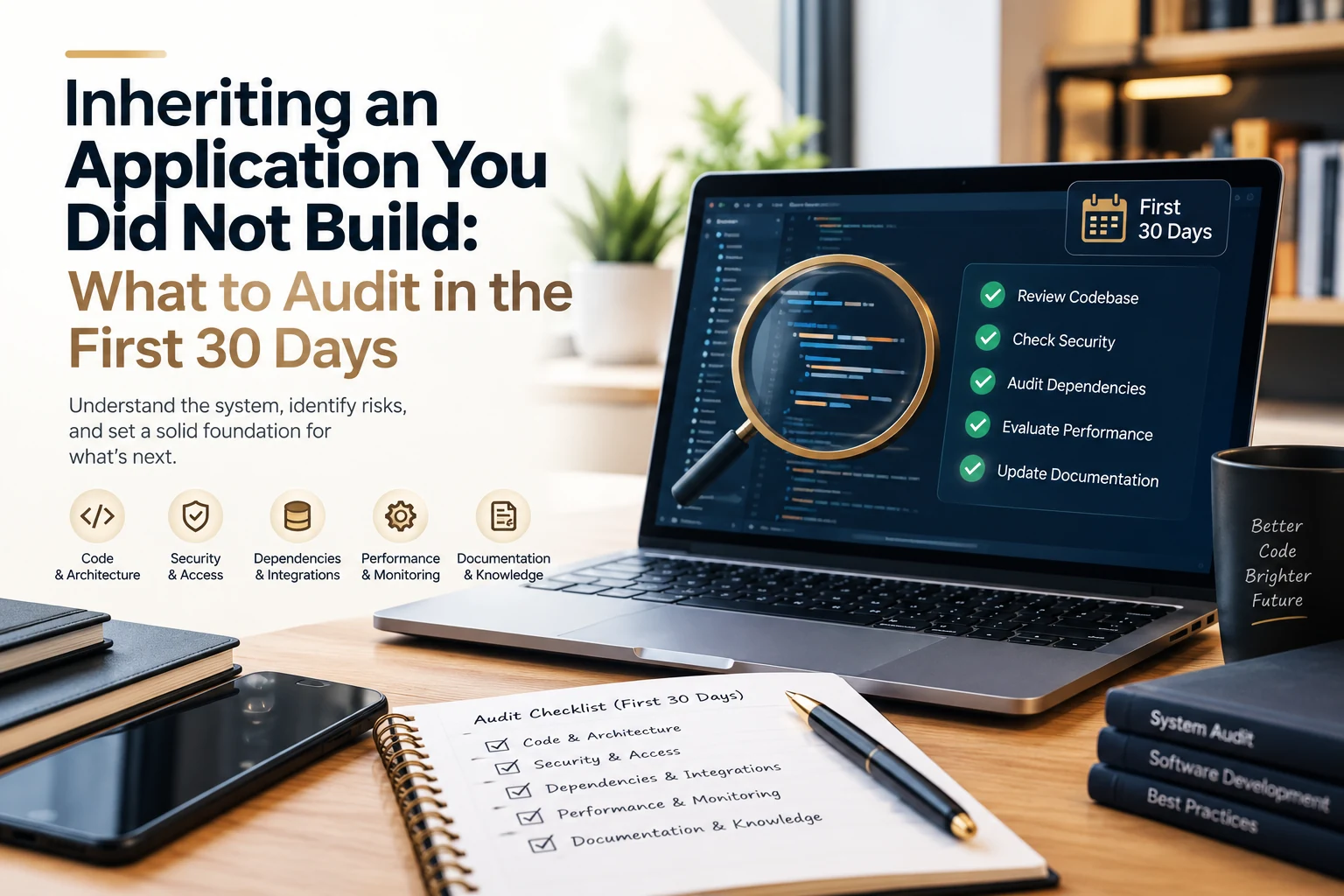
Applications change hands more often than most teams plan for. A company acquires a product together with its mobile app, an agency engagement ends and the work moves in-house, a lead engineer moves on, or a growing business decides to close out a long-running vendor relationship. In each case a team becomes responsible for software whose design decisions, credentials, and quirks live mostly in the memory of people who are no longer around, and the first month of ownership tends to shape the application’s health for years afterward. The aim of that month is not to judge what came before, since earlier decisions usually made sense under the constraints of their time, but to build a reliable picture of what the application is, what it depends on, and how it behaves in production, so that every later change rests on facts and not on assumptions.
Why the First 30 Days Matter When You Inherit an Application
The early weeks carry unusual leverage because pressure to ship changes has not yet built up, which leaves the team room to ask basic questions without slowing a roadmap. New owners who skip this period often find the gaps at inconvenient moments, such as a certificate that expires over a weekend or a build that only compiles on a laptop returned to the previous vendor months ago. A simple four-week structure keeps the work manageable: confirm access and the ability to ship in week one, map dependencies in week two, measure real behavior in week three, and decide how the application will be maintained in week four.
Week One: Confirm Access, Ownership, and the Ability to Ship
Start with the accounts and keys that let anyone release or operate the application, because everything else depends on them. For a mobile app that means the developer accounts for the app stores, the signing certificates and provisioning profiles for iOS, the upload and signing keys for Android, and the push notification credentials, while a web application adds the domain registrar, DNS, hosting accounts, TLS certificates, and any secrets stored in environment configuration. Each item should move under company ownership, carry a documented expiry date where one exists, and be backed up somewhere more durable than an individual inbox. A lost Android signing key shows why this comes first, since an app that is not enrolled in Play App Signing may be unable to publish updates under its existing listing without it.
The second test in this week is whether the team can produce a release from a clean machine using only the repository and the written instructions. A fresh build exposes undocumented tools, pinned versions, and manual steps in the release process, and it turns the question of whether the application can be shipped into a measured result. When the build fails, the list of failures becomes the first useful piece of documentation.
Week Two: Map What the Application Depends On
Most applications rest on far more than their own code, so week two is for building an inventory of libraries, SDKs, third-party services, and infrastructure, with the version, the owner, and the last update recorded for each. The 2025 Black Duck Open Source Security and Risk Analysis report found that 86 percent of audited commercial codebases contained open source vulnerabilities and that 90 percent had components more than four years out of date, which suggests that an inherited application is likely to carry some of this age no matter how carefully it was built. The practical response is to rank the inventory by exposure and not to attempt a full upgrade: components that handle authentication, payments, personal data, or network traffic go first, abandoned libraries that need a replacement plan come next, and everything else can wait for a scheduled window.
Third-party services deserve the same level of attention as the libraries do. Payment gateways, analytics tools, maps, messaging providers, and identity services each come with contracts, API keys, usage limits, and deprecation schedules, and any of them can change behavior without a release on your side. Recording who owns each relationship and when each key or contract renews prevents surprises later, and it often reveals services that the application still pays for but no longer uses.
Week Three: Measure How the Application Behaves in Production
Before changing any code, observe how the application behaves with real users, because production data shows where the risk sits and which parts of the system are quiet. Crash reports, error logs, uptime history, support tickets, and store reviews all describe the same application from different angles, and reading them together reveals patterns that none of them shows alone, for example a crash that clusters on one device family or a support theme that matches a slow endpoint. If monitoring is thin or missing, adding basic crash and error reporting during this week is among the highest-value changes available, since it needs little code and starts producing evidence immediately.
It also helps to add a small set of tests around the most important flows, such as sign-in, checkout, or data sync, before any refactoring begins. These characterization tests record what the application does today, including behavior that may look unusual, so that later changes can be compared against a known baseline. They are useful precisely because they describe the existing behavior without judging it.
Week Four: Decide How the Application Will Be Maintained
By the fourth week the team holds an access register, a dependency inventory, and a baseline of production behavior, which is enough to write a short risk register and a plan for the next ninety days. Each item benefits from a severity, an owner, and a rough effort estimate, and the plan should separate three kinds of work: fixes that protect users now, upgrades that keep known deadlines from becoming outages, and improvements that can wait for the product roadmap. Keeping a short decision log alongside the plan, with a line on why each item was ranked as it was, saves the next engineer from reopening questions the team has already settled and makes later handovers far less stressful.
The plan also settles who carries the ongoing work, and web and mobile applications age in different ways that influence that choice. A mobile app follows the release cycles of two operating systems, store review rules, SDK deprecations, and a wide range of devices, which is why many teams turn to specialist mobile app maintenance services when the original developers are no longer available. A web application is shaped more by dependency patching, hosting and performance tuning, and browser behavior, and teams without a dedicated engineer for these tasks often look for web application maintenance services that cover monitoring, security updates, and release support under one agreement. Whichever route fits, the audit findings make the conversation more precise, because a partner or an internal owner can start from a documented baseline and not from a blank page.
Inheriting an application becomes much easier when the first month is treated as a handover that the new team writes for itself. By the end of thirty days, access is secure, the build can be repeated, dependencies are understood, and production behavior is measured, which gives the next owner, whether in-house or external, a stable footing for every decision that follows.

Senior SEO Content Marketing Manager at Trendusai.com
Rashida Hanif is a Senior SEO Content Marketing Manager, specializing in data-driven content strategy and SEO. She helps brands improve online visibility through keyword research, content planning, and AI-powered marketing insights.