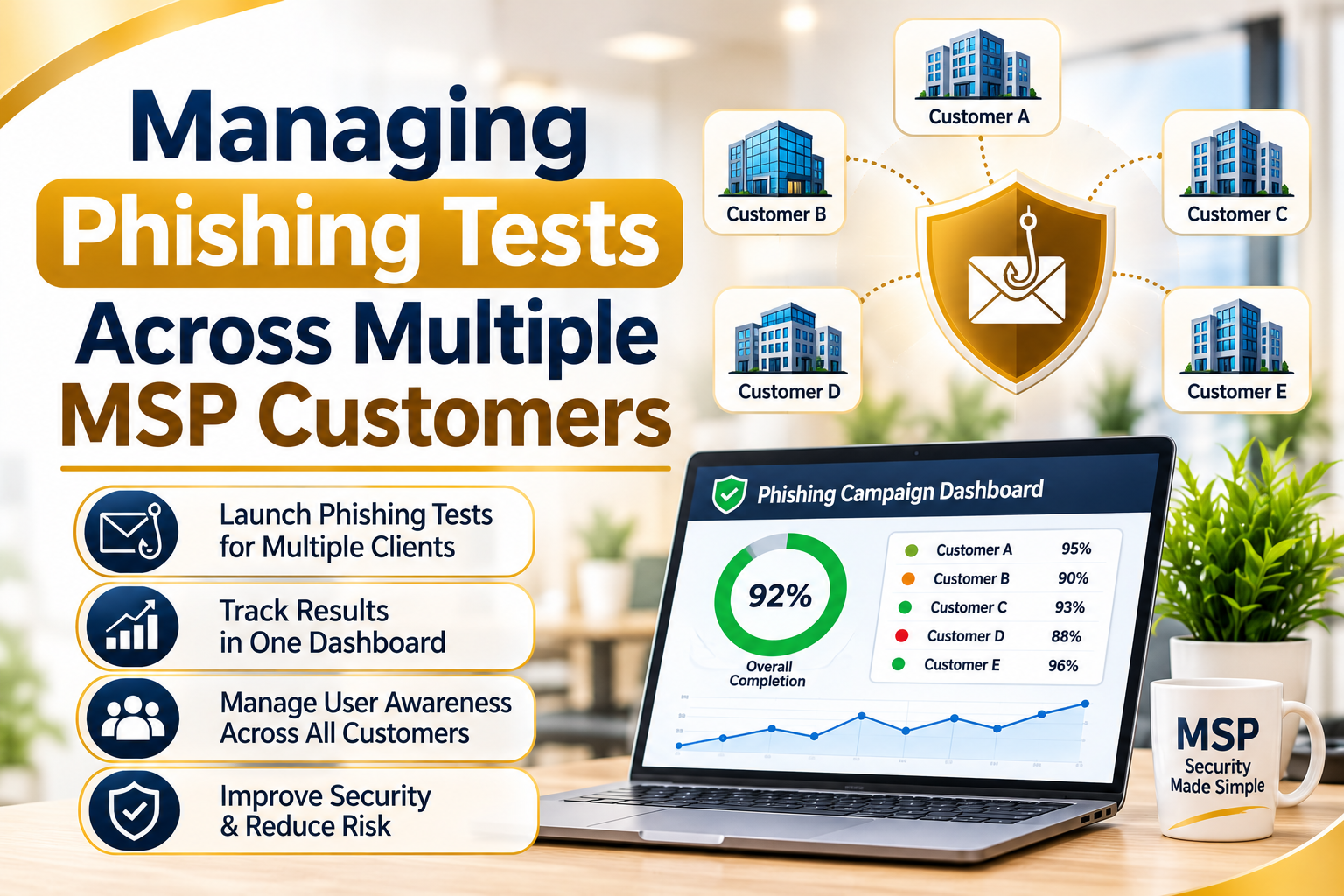
Running one phishing campaign for one company is manageable. Running dozens at the same time, for customers with different sizes, industries, and tolerance for testing, is a different job. An MSP that handles it with spreadsheets and manual sends soon finds that quality drops and technician time disappears. The work needs a repeatable model: tenant-specific settings, automated campaigns, consistent reporting, and clear communication with each client’s administrator.
Why Multi-Client Testing Becomes Hard Quickly
Each customer brings its own details. One may use Microsoft 365 and another Google Workspace. One has a few dozen employees who share a single office, while another has hundreds across several time zones. Regulated clients may require documented approvals before any simulated message goes out.
Without structure, those differences multiply the workload. Technicians must remember who allowed which sending domains, which groups should be excluded, and when each client wants campaigns to run. Mistakes follow, such as a test reaching an executive who was supposed to be excluded or a message blocked by a filter nobody updated.
Consistency suffers too. If every account manager designs campaigns differently, results cannot be compared, and the MSP cannot describe a clear service standard. A repeatable framework protects both quality and margins.
Tenant-Specific Settings and Automated Campaigns
Separation between customers is the foundation. Each tenant needs its own user list, exclusions, branding, and schedule, with no leakage of data from one client to another. Directory synchronization keeps user lists current as people join and leave, which removes a major source of manual error.
Settings to confirm during setup include sending domains and allow-listing instructions, groups excluded from testing, preferred days and times, languages, and the approval path for new scenarios. Record them in a standard document so that any technician can pick up the client.
Automation then carries the routine. Schedule recurring campaigns, rotate scenarios from a library, assign follow-up lessons after a failed test, and send reminders to employees who have not completed them. A small number of templates, adjusted per client, lets the MSP launch new customers quickly while still respecting their differences. Review the schedule monthly to confirm that nothing collides with client events, audits, or system migrations.
Managing These Workflows Through a Platform
Managing several customers requires clear separation of data and repeatable campaign administration. When evaluating Phin’s phishing simulation, MSPs should test how technicians schedule campaigns, reuse scenarios, and review results across clients without mixing their records.
When evaluating any platform, check how it handles partner-level roles, so that junior technicians see only the customers they support. Look at whether campaigns can be copied between tenants, how reports are branded, and how billing aligns with the way the MSP sells the service. Ask how new users are enrolled, how failed tests trigger training, and what happens when a client’s directory changes unexpectedly.
A platform does not replace judgment. Someone still has to decide on scenario difficulty, timing, and client communication. The tool simply removes repetitive tasks so that the people can focus on those decisions.
Consistent Reporting and Talking to Client Administrators
Clients value clarity. A standard report that appears on a regular schedule, with the same measures each time, makes progress visible and conversations short. Include participation rates, report rates, click and credential-submission rates, trends over several campaigns, and the follow-up training assigned.
Tailor the delivery rather than the structure. A small-business owner wants a one-page summary with a few plain sentences. An IT administrator may want details on which scenarios performed worst and how long reports took to reach an analyst. Offer both, and keep them consistent from one quarter to the next.
Communication with administrators should begin before the first campaign. Explain what will be sent, who will be tested, and how to handle an employee who contacts the help desk about a simulated message. Ask the administrator to tell leadership in advance, since surprise breeds complaints. After each campaign, send a short note describing results and next steps, and use the platform’s reporting features, where available, to export summaries without manual assembly.
Interpreting Results Without Shaming Employees
Numbers describe behavior in a particular moment, not a person’s character. A high click rate on one campaign may reflect a very convincing lure, a busy week, or a poor match between the message and the training people received. Draw conclusions from patterns across several tests.
Handle individuals privately. If someone repeatedly fails, offer a short coaching conversation or targeted lesson and ask what made the message look credible. Avoid public lists and jokes, since embarrassment teaches people to hide mistakes instead of reporting them.
Follow-up training should connect directly to what happened. If many employees entered credentials on a fake login page, assign a lesson on checking web addresses and using a password manager. If reports were slow, remind staff where the report button is. Share positive outcomes too, such as a department that reported a simulation within minutes, so that the program is associated with recognition and improvement.
Final Analysis
Phishing testing across many MSP customers works when it is built on structure: tenant-specific settings, automated campaigns, a platform that centralizes management, and consistent reports delivered with clear communication to administrators. Interpreting results with care keeps employees engaged and willing to report. An MSP that standardizes the routine and reserves human attention for judgment and coaching can serve many clients without sacrificing quality.

Senior Content Manager at TrendusAI
Rashida Hanif is a content strategist at Trendusai.com, creating informative articles on artificial intelligence, emerging technologies, and digital solutions. She focuses on delivering valuable insights that help readers understand AI innovations, software development, and technology trends.