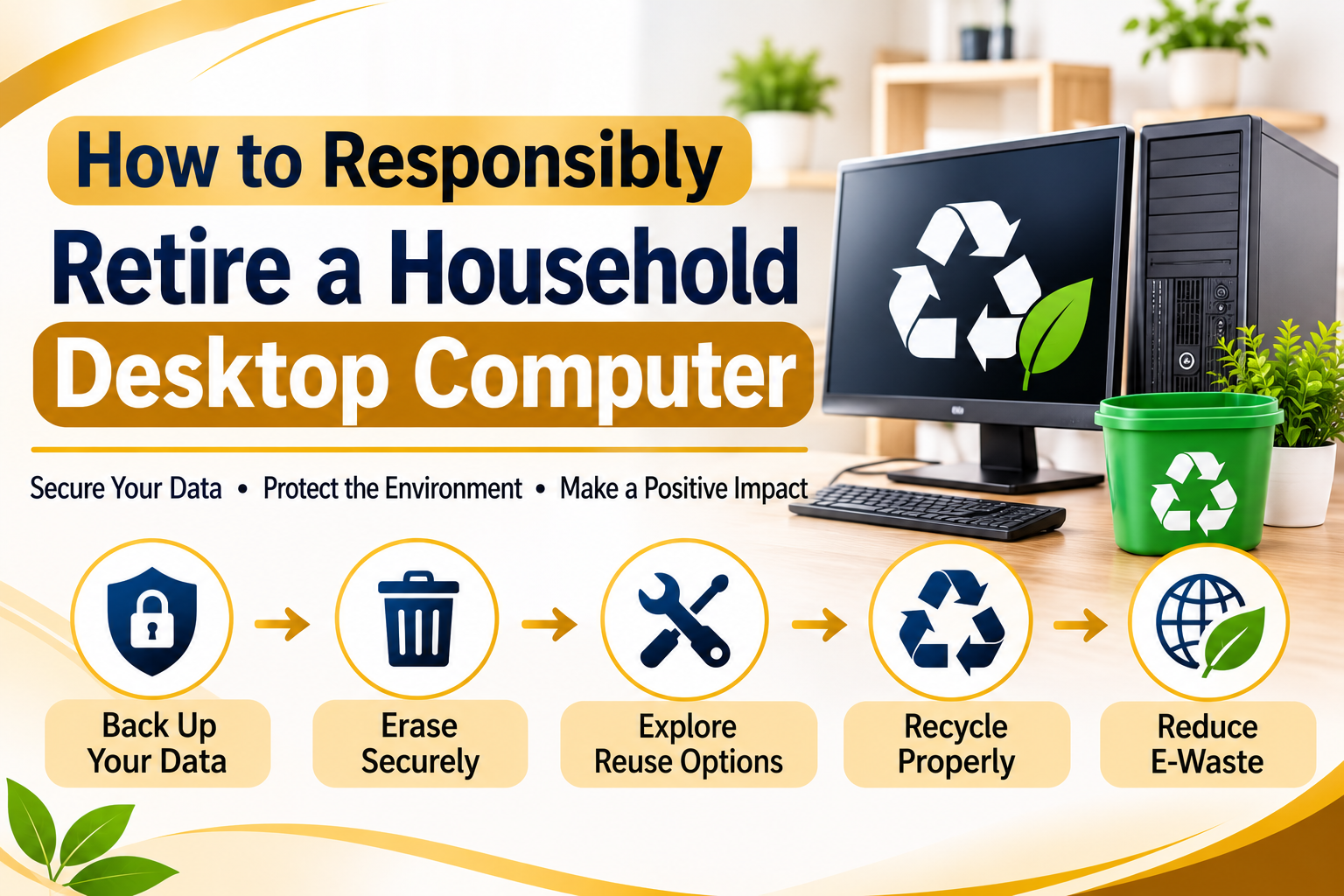
A desktop computer rarely fails dramatically. It slows, falls behind on software, and eventually gets replaced, leaving a tower under the desk that nobody knows what to do with. The machine may still be useful to someone, and it certainly contains personal data and materials that should not reach a landfill. A short decision process helps choose between reuse, sale, donation, and recycling.
Deciding Between Reuse, Sale, Donation, and Recycling
The first question is whether the computer still has a purpose. A desktop that runs reliably can become a spare for guests, a media server, a home network storage box, or a learning machine for a child. Adding memory or a solid-state drive sometimes revives an older system cheaply.
If it has no use at home, other routes open. Working machines may be sold, passed to a friend or family member, or donated to a school, community group, or charity. Machines that no longer run, or are too old for anyone to use, belong in an electronics recycling program.
Age, specifications, and condition guide the choice. Desktops from the last several years with modern processors and solid-state storage have resale value, while very old systems may not. Check the operating system’s support status, since a machine that cannot run a supported system is a poor candidate for donation. Write down the model, specifications, and any known problems before deciding.
Selling a Functional Old Computer
When a desktop works well and has some remaining demand, selling puts money back in the owner’s pocket and extends the machine’s life. Those who decide to resell a working desktop can choose among online marketplaces, local classified listings, and businesses that evaluate and purchase computers.
Preparation improves results. Clean the case and fans, test every port, and run a stress test to confirm stability. Gather the power cable, the keyboard and mouse if they are in good shape, the monitor if included, and any original boxes or manuals. Reinstall the operating system if the buyer expects a clean machine.
Pricing should reflect recent sales of comparable systems, not the original cost. Processor generation, memory, storage type and capacity, and graphics hardware all influence value. Describe the machine honestly, including cosmetic wear and any quirks. A store buyer gives a faster and simpler transaction at a lower price, while a private sale brings a higher figure with more effort and risk.
Specifications and Condition That Shape the Decision
Specifications determine whether a desktop is attractive to buyers or recipients. Processor age, memory capacity, storage type, and graphics capability determine what the computer can do. A system with a solid-state drive and enough memory handles web browsing, office work, and streaming comfortably. One with a slow mechanical drive and limited memory feels sluggish.
Condition matters as much. Check for bulging capacitors, noisy fans, high temperatures, failing drives, and unstable behavior. Run diagnostic tools, and review drive health through SMART data. Cosmetic damage is less important than reliability, though a dented, yellowed case lowers appeal.
Whether you sell your old computer or donate it should depend on its condition, specifications, and remaining usefulness. Check a refurbisher’s acceptance criteria before arranging a donation, and use a suitable recycling route when the machine cannot reasonably be reused.
Why Storage Devices Need Particular Care
Hard drives and solid-state drives hold everything a household has done on the machine: documents, tax records, photos, saved passwords, browser history, and cached files. Simply deleting files or emptying the recycle bin leaves data recoverable.
Reliable steps include:
- Back up everything worth keeping to an external drive or cloud service.
- Sign out of accounts and deauthorize licensed software.
- Use the operating system’s reset option with the full wipe setting.
- For mechanical drives, run an overwrite tool that rewrites the entire disk.
- For solid-state drives, enable encryption first, then use the manufacturer’s secure erase feature or a full reset.
- Confirm that the machine boots to a fresh setup screen.
If the machine will go to a recycler, or if the drive holds highly sensitive information, remove the drive and either keep it or have it destroyed. Physically drilling or shredding is an option for drives that cannot be wiped. Label any drive removed, so it does not get mixed up with others.
Donating, Recycling, and Gathering Accessories
Donation helps when a machine still works. Schools, libraries, nonprofits, and refurbishing programs may accept desktops, sometimes with a keyboard, mouse, and monitor. Confirm that the group wants the system, and ask whether they handle data wiping or expect it done beforehand. Do not assume that every charity accepts old equipment.
Recycling suits everything else. Computers contain metals, plastics, and components that require proper handling, and disposal rules differ by region. Municipal programs, retailer take-back schemes, and certified electronics recyclers accept desktops, monitors, and peripherals. Check that the recycler follows responsible practices and ask whether they provide documentation.
Accessories complete the package. Collect power cords, video cables, adapters, remotes, speakers, and software discs. Keyboards, mice, and monitors in working order add value to a sale or donation. Cords that no longer fit any device can go with the recycling. Keep notes of what leaves the house and with whom, and photograph the machine before handing it over.
Final Analysis
Retiring a desktop responsibly means choosing the route that fits its condition and protecting the data inside. Machines that still work may be reused, sold, or donated, and those that do not belong in certified recycling. Specifications and health checks guide the decision, and thorough storage wiping prevents privacy problems. A few careful steps keep useful equipment in circulation and keep harmful waste out of landfills.

Senior Content Manager at TrendusAI
Rashida Hanif is a content strategist at Trendusai.com, creating informative articles on artificial intelligence, emerging technologies, and digital solutions. She focuses on delivering valuable insights that help readers understand AI innovations, software development, and technology trends.