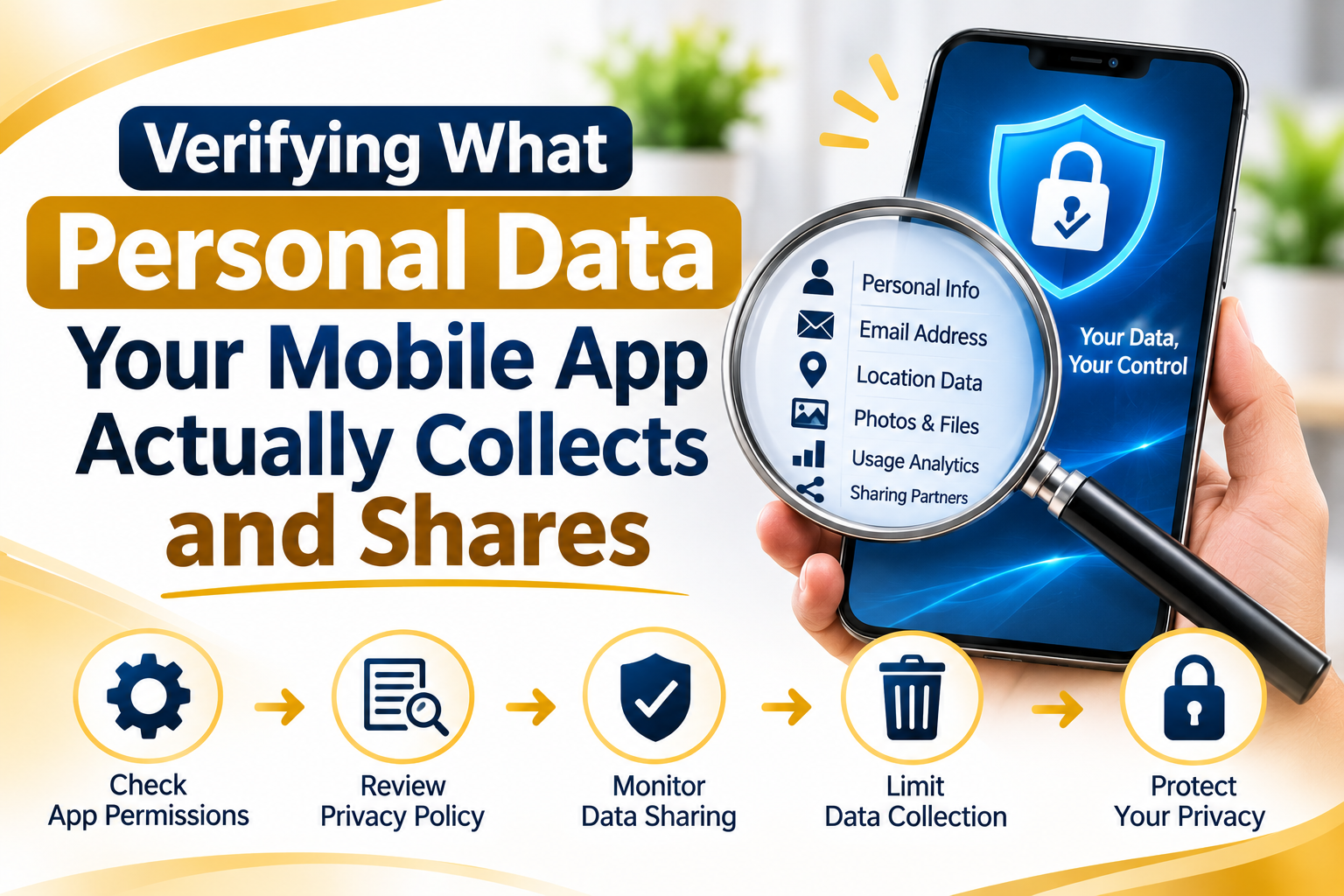
Privacy policies describe what an app is supposed to do. Network traffic and device behavior show what it actually does. The two do not always match. A development team may add an analytics library that collects more than expected, a marketing tool may transmit device identifiers, or a feature may request location access that is never used. Verifying real behavior against stated promises protects users and helps an organization avoid regulatory and reputational trouble.
Why Disclosures and Real Behavior Drift Apart
Mobile apps change constantly. New features arrive, libraries are updated, and third-party code is added to support advertising, crash reporting, or customer support. Each change can alter what data leaves the device, yet the privacy policy and store disclosures may be updated rarely or not at all.
Responsibility is also spread across teams. Product managers write the privacy statements, developers integrate libraries, and marketing teams add tracking tools, often without a shared view of the full picture. Third-party code may collect data in ways the app owner did not fully intend or understand.
The consequences are real. Users and regulators expect accuracy, and a mismatch between what an app says and what it does can lead to complaints, penalties, or removal from app stores. Systematic verification replaces assumptions with evidence.
Permissions and Third-Party SDKs
Start with permissions. Both iOS and Android require apps to request access to sensitive features such as location, contacts, camera, microphone, photos, and Bluetooth. List every permission the app requests, then check whether each one serves a clear purpose. Remove those that are unnecessary, and make sure the explanation shown to the user is honest and specific.
Timing matters. An app that requests location at launch, before the user understands why, invites distrust. Requests made when a feature is used are easier to justify. Also check what happens if the user declines, since the app should still function reasonably.
Third-party software development kits, known as SDKs, deserve particular scrutiny. Analytics, advertising, social login, payment, and crash reporting libraries often collect data automatically. Inventory every SDK in the app, including those pulled in indirectly by other libraries. For each one, review the documentation to learn what it collects, where the data goes, and what configuration options limit collection. Check version updates for changes in behavior. Confirm that contracts and data processing terms with each vendor match how the app uses them.
Mobile Privacy Testing Compared With General Website Security
Privacy testing for mobile apps differs from checking a website. A web scanner looks at pages served over the internet, while a mobile app is software installed on a device, with access to sensors, local storage, and operating system features. Data may be written to files, shared through clipboard or logs, or transmitted by background services without any visible page.
A mobile privacy assessment should compare declared data practices with behavior observed on a device. Teams considering NowSecure can evaluate how its testing records data collection and sharing, then check those results against the app’s policy and store disclosures.
Look for testing that covers both iOS and Android, since the platforms handle permissions and storage differently. Ask whether the process includes static analysis of the app package, dynamic analysis during use, and review of network traffic. A purely web-focused tool will miss most of what matters here. Choose methods that reflect how people use the app, including first launch, sign-up, normal use, and consent changes.
Network Traffic, Consent, and Matching Disclosures
Network analysis reveals what leaves the device. Route the app’s traffic through an inspection tool in a test environment, then use the app through typical journeys. Record which domains receive data, what fields are sent, and whether sensitive items such as email addresses, device identifiers, advertising IDs, precise location, or health details appear in requests. Note whether data is sent in encrypted form and whether any goes to destinations the team did not expect.
Consent needs the same attention. Check whether the app asks for permission before collecting data where the law or policy requires it. Test what happens when a user declines or withdraws consent, and observe whether data collection actually stops. A consent screen that does not change behavior is worse than none.
Then compare findings with the disclosures. Match each observed data flow to a statement in the privacy policy and the store labels. When teams use a specialist testing service or another approach to produce a report of observed behavior, reviewers can check it line by line against what the company has told users. Highlight gaps in both directions: data collected but not disclosed, and statements that describe collection that does not occur. Repeat the process after each significant release.
Feeding Findings Into Remediation
Findings are useful only if someone acts on them. Sort them by risk, considering the sensitivity of the data, the number of users affected, and any legal obligations. Items such as transmitting precise location without consent, sending personal identifiers to unexpected parties, or storing sensitive data unencrypted deserve the fastest attention.
Fixes may be technical, such as removing an SDK, changing its configuration to limit collection, encrypting stored data, or stopping requests until consent is given. Others involve documentation, such as updating the privacy policy, correcting store disclosures, or refining in-app explanations. Some require decisions with legal and business teams about whether a data practice should continue at all.
Assign owners and deadlines, and track the work in the same system used for other development tasks. Retest after changes to confirm that the behavior now matches expectations. Build privacy checks into the release process, so that new libraries and features are reviewed before launch, and keep a record of data flows for audits and future questions.
Key Takeaways
Knowing what a mobile app really collects and shares requires testing, not assumption. Reviewing permissions and third-party SDKs, observing network traffic, checking consent behavior, and comparing results with published disclosures reveal gaps that policy review alone cannot find. Mobile-specific testing methods suit the task better than general website tools. Turning findings into prioritized fixes and repeating the process with each release keeps promises to users aligned with what the app actually does.

Senior Content Manager at TrendusAI
Rashida Hanif is a content strategist at Trendusai.com, creating informative articles on artificial intelligence, emerging technologies, and digital solutions. She focuses on delivering valuable insights that help readers understand AI innovations, software development, and technology trends.