
Old-fashioned video production can require a lot of editing expertise, multiple software programs, and meticulous attention to detail. Each revision is more work and more production time. These challenges are made easy with modern AI-powered platforms that automate creative tasks with editing control. Pippit is a creative tool that allows you to create, edit, and publish professional videos with ease. This guide covers why automated production helps to keep editing complexity low and allows for flexible creative processes.
Why Traditional Video Editing Slows Down Content Creation
Traditional editing involves using various applications for scripts, editing, captions, audio, graphics, and exporting. These are all unique workflows that take extra time in each program. Professional editing software also requires technical know-how prior to productive work. Manual cutting, transition positioning, colour corrections, caption synchronisation, and repeated changes add to production efforts. In today’s fast-moving business landscape and creative world, businesses and creators need quicker publishing cycles to keep audiences engaged. AI video generatortechnology overcomes these problems by removing repetitive editing tasks, while still allowing for creative customization throughout the video production process.

How AI Video Generators Eliminate Complex Editing Tasks
Several of the production steps that used to be done by hand can be automated by modern AI-powered platforms. Scripts can be created from content, uploaded files, webpages, or prompts. Intelligent scene sequencing creates logical storytelling structures with visuals, without the need to change timelines. Automatic captions stay in sync with the video and AI voiceovers enhance the narration. Initial drafts contain transitions, pacing, and visual improvements with minimal manual work. Pippit also enables prompt-based revisions, which streamline the editing process and are made possible by written instructions rather than complex software work, saving production time.
How Pippit Accelerates Video Creation from Start to Finish
Pippit will take creative input in the form of text prompts, websites, documents, presentations, uploaded files, images, and videos. This versatility allows for a variety of production needs without the need for complex setup. Multiple Dreamina models enable creators to align with various visual styles and creative objectives, such as Seedance 2.5, designed for high-end creative endeavors. Pippit creates promotional videos, product showcase videos, social media videos, presentations, and marketing materials from the provided materials. Editing is still easy: trimming, resizing, captions, audio and visual refinements are done in an intuitive interface. Completed projects are easily exported for publication on major social platforms and other distribution channels.
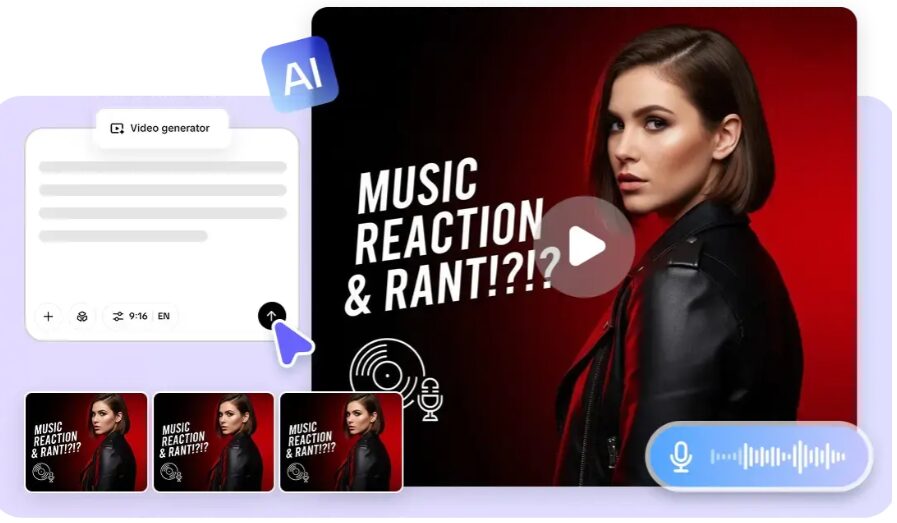
Steps to Skip Complex Editing and Create Faster with an AI Video Generator
Step 1: Start your AI video creation
- Sign up using your Google, TikTok, or Facebook account info.
- Open the “More” tab and click “Video generator”.
- Select an AI model like Dreamina Seedance 1.0, Dreamina Seedance 2.0, Dreamina Seedance 2.0 Fast, Dreamina Seedance 2.0 Mini, or Dreamina Seedance 2.5.
- Enter a detailed prompt describing your video idea.
- Choose video length, language, subtitles, and aspect ratio.
- Click “+” to upload reference images or videos from your device, phone, Dropbox, or a link.
- Click “Generate” to create your video.
Step 2: Generate videos automatically
- After clicking “Generate”, the AI creates a video from your prompt and references.
- It handles transitions, pacing, captions, avatars, voice, lyrics, and visual enhancements.
- Review the generated draft.
Step 3: Edit and export quickly
- Click the “Download” tab to save your video, “Regenerate” for another result, or “Edit more” for advanced edits.
- Customize captions, text, size, color, alignment, filters, and effects.
- Add music, remove backgrounds, and adjust visuals.
- Click “Export” after editing.
- Select “Publish” for social sharing or click “Download” to save with your preferred format, resolution, frame rate, and quality.
Time-Saving AI Features That Simplify the Editing Process
A number of built-in features minimize repetitive editing and maximize production efficiency:
- AI Script Creation: AI creates structured scripts based on minimal information and reduces planning time.
- Automatic Scene Assembly: Arranges visuals into logical sequences for storytelling automatically without requiring manual timeline editing.
- Smart Caption Generation: It provides captioning that is synced and enhances accessibility and engagement.
- Prompt-Based Editing: Edits scenes with text rather than complex editing processes.
- Automatic Transitions, Filters, and Effects: Applies transitions, filters, and effects automatically for polished presentation.
- One-Click Export Options: Enables optimization of exported videos with variable quality settings for different publishing destinations.
AI Editing Capabilities That Improve Creative Flexibility
When you use automated editing, that doesn’t mean that creativity is lost. Rather, it makes easy changes that typically involve a lot of manual labor. Video clips can be cut, resized, or converted to various platforms in a few minutes. Motion, pacing and scene flow are still easy to tweak without having to build timelines from scratch. Captions, fonts, text styles and visual themes remain editable during production. Music and audio enhancements that are used throughout the video enhance the overall presentation without being distracting or inconsistent. Final reviews enable further refinements prior to exporting finished videos, making sure each project is up to creative standards.
Types of Videos You Can Produce Without Complex Editing
Pippit is compatible with various content formats ideal for businesses, educators, marketers, and creators. Product launch videos enticingly showcase new products with structured narratives. Promotional marketing campaigns promote products and/or services through online channels. Short-form videos and social media reels facilitate frequent publishing and engagement with the audience. Business presentations and explainers convey information in a clear and concise manner with structured visuals and narration. Image-based animation brings still images to life! Learning materials and training videos are easily understandable and professionally presented to various audiences.
Best Practices for Faster AI Video Production
The key to efficient production starts with clear prompts that define objectives, visual style, audience, and messaging. Organized reference materials enhance the quality of the generation and minimize redundant revisions. Choosing the right Dreamina model can help align with various creative needs and production objectives. It is important to review any drafts that are generated before exportation, as this will help fine-tune the quality. A cohesive brand identity, including colors, typography, logos, and messaging, supports recognition in each published video. The correct export settings ensure visual quality and meet technical specifications of each publishing platform.
Conclusion
AI revolutionizes video editing by streamlining the process and eliminating numerous hurdles while maintaining creative freedom. Automated scripting, intelligent sequencing, caption generation, visual refinement, and streamlined exporting save a lot of production time. Generation, editing, customization, and publishing are all integrated into a single creative environment in Pippit, making for a complete video workflow. Speedier automation opens the way to make professionally created video content without the technical hurdles, making it accessible for various marketing, educational, business, and creative initiatives.

Senior SEO Content Marketing Manager at Trendusai.com
Rashida Hanif is a Senior SEO Content Marketing Manager, specializing in data-driven content strategy and SEO. She helps brands improve online visibility through keyword research, content planning, and AI-powered marketing insights.