Nobody planned to spend a third of their day writing boilerplate. It just piled up — scaffolding tests you already knew the logic for, hunting bugs across three files, repeating the same setup for the fifteenth project. Then AI tools for developers arrived, and that pile started shrinking.
By early 2026, 95% of developers use AI tools at least weekly. A GitHub survey found 92% of U.S.-based developers now use them, and 70% say their code quality improved as a result. These are working developers who found AI development tools that fit their daily work and kept using them.
This guide covers the best AI tools for developers available right now — what each one actually does, where it fits in a real workflow, and what it costs. Whether you’re looking for AI code generation tools, smarter AI-powered IDEs, or automated testing, you’ll find a clear answer here.
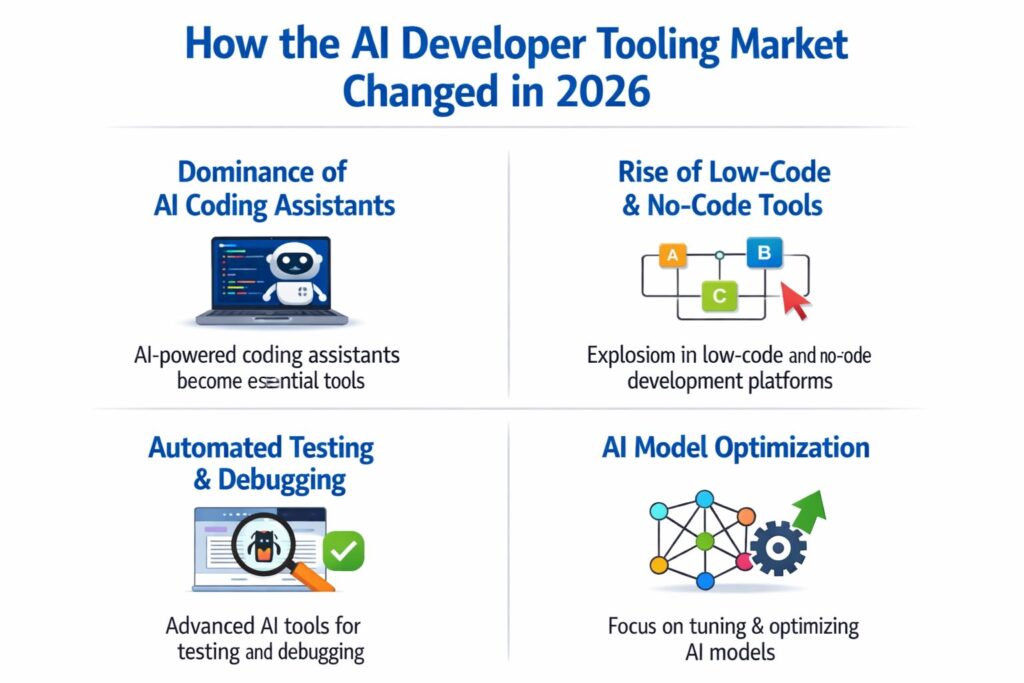
How the AI Developer Tooling Market Changed in 2026
A few years ago, the big question was whether tab completion was accurate. That conversation is over. AI tools for developers now fall into four distinct layers:
- IDE assistants — code completion and chat inside your editor
- Agentic coding tools — autonomous agents that read, edit, and execute across a full codebase
- AI testing tools — automated test generation and maintenance
- Design-to-code platforms — turn wireframes or prompts into deployable frontend code
The tools powering these layers rely on large language models (LLMs), natural language processing (NLP), reinforcement learning, and AI code generation algorithms. Open-source foundations like Hugging Face Transformers, TensorFlow, and PyTorch underpin many of the machine learning tools for developers in this list.
Experienced developers now use 2.3 tools on average. The ones getting the most leverage combine an IDE assistant for daily coding, an agent for heavy refactors, and a testing tool to hold the quality line. No single developer AI software product covers all four layers well — expecting it to is the most common mistake.
Section 1: AI Code Editors and IDE Assistants
These tools live inside your editor. They suggest completions, propose next edits, and answer questions about your codebase without pulling you out of flow. For most developers, this is their first contact with AI tools for developers in a real project.
1. Cursor — Best AI-Native IDE
Cursor is a VS Code fork built from scratch around AI. The intelligence isn’t layered on top — it’s structural. Its Tab autocomplete runs on Supermaven, the fastest inline completion among AI-powered IDEs. Composer handles multi-file edits: write what you want changed across several files in plain English, review the diffs, commit what works.
Cursor crossed $2 billion in annualized recurring revenue in early 2026. It supports model switching between Claude Opus 4.6, GPT-5.4, and Gemini 3 Pro — no vendor lock-in for teams evaluating generative AI tools for developers.
The limitation is real. Cursor is an IDE, not a plugin. Teams split across VS Code, JetBrains, and Vim face a genuine standardization task. At $40/seat/month enterprise, a 50-person team pays $24,000 a year on this AI programming tool alone.
Best for: Developers willing to standardize on one AI-native IDE. Strongest on daily coding flow and mid-scale refactoring.
Pricing: Free (rate-limited) | Pro $20/month | Business $40/seat/month
2. GitHub Copilot — Best for Enterprise Teams
GitHub Copilot launched in 2021 and made AI-assisted coding standards across the industry. It holds 37–42% enterprise market share in 2026, built on Microsoft’s distribution and GitHub’s ecosystem. Among AI code completion tools, Copilot remains the baseline every competitor is measured against.
Agent Mode, added in 2025, made Copilot into something more than a suggestion engine. It handles multi-step tasks, assigns GitHub Issues to AI, and writes pull request summaries. The 2026 model roster includes GPT-5.4, Claude Opus 4.6, Claude Sonnet 4.6, and Gemini 3 Pro. Teams get model flexibility without leaving the tool — a key advantage for teams comparing AI productivity tools for developers.
The free tier gives 2,000 completions and 50 chat requests per month. SOC 2 compliance, IP indemnification, and audit logs make it the defensible choice for legal and compliance teams before any AI development tool deployment.
Best for: Enterprise engineering teams inside the GitHub and Azure ecosystem.
Pricing: Free (limited) | Pro $10/month | Enterprise $39/user/month
3. Windsurf by Codeium — Best Free Option
Windsurf sits between Cursor and Copilot in the AI-powered IDE market. Its Cascade feature is an agentic AI that handles multi-file edits with full project context. Developer satisfaction sits at 27% in 2026 — lower than Claude Code and Cursor, but meaningful given that the individual tier is completely free.
For solo developers who want an AI-assisted development workflow without a monthly subscription, Windsurf is the most sensible starting point among free AI tools for developers in the IDE category.
Best for: Solo developers and budget-conscious teams.
Pricing: Free for individuals | Team plans available
4. Tabnine — Best for Privacy-Focused Teams
Tabnine focuses on private code completion trained on your own codebase — not on shared public repository data. On-premise deployment keeps sensitive code off third-party servers entirely. Suggestions are shaped by your project’s internal conventions, which matters for teams with strong patterns that a general AI code generation model won’t recognize.
For regulated industries — finance, healthcare, defense — where code privacy isn’t negotiable, Tabnine is the developer of AI software that compliance teams will approve.
Best for: Regulated industries — finance, healthcare, defense — where code privacy isn’t negotiable.
Pricing: Pro from $12/user/month | Enterprise pricing available
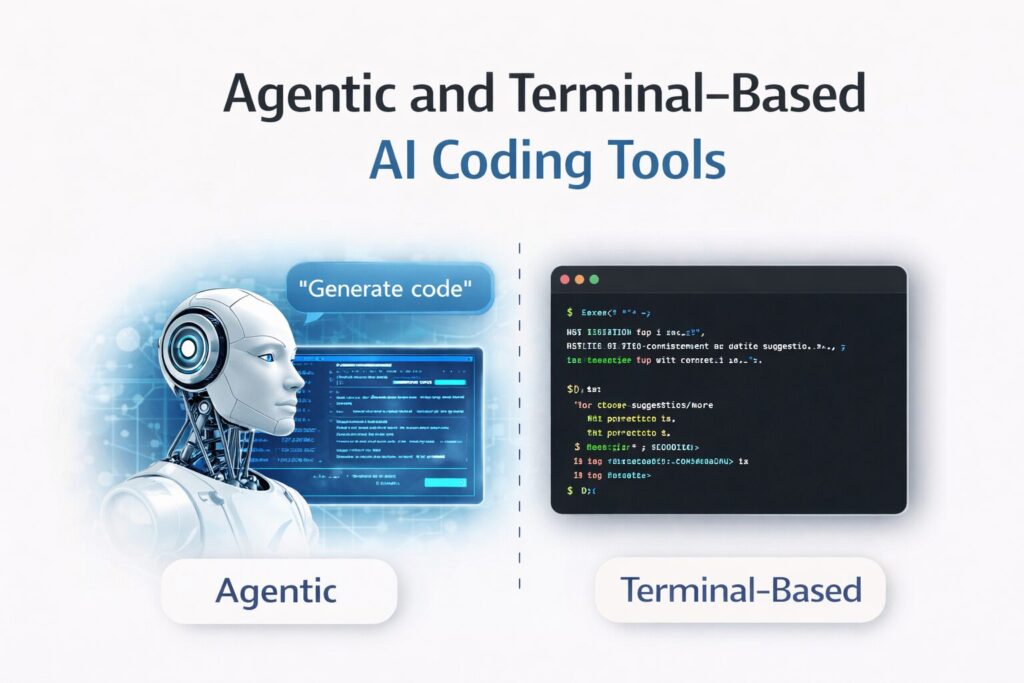
Section 2: Agentic and Terminal-Based AI Coding Tools
Agents don’t sit in your IDE waiting for you to type. They plan, run commands, read and write files, and iterate without needing input at every step. The difference between an assistant and an agent is the difference between suggesting a move and making one. These are the most powerful AI automation tools for developers available in 2026 — driven by advances in deep learning libraries and AI model training at scale.
For a deeper breakdown of how agentic AI works across the development lifecycle, read our guide on AI automation tools for developers.
5. Claude Code — Best for Agentic Development
Claude Code runs in your terminal. No specific IDE required. It reads your codebase, makes changes, and executes with full autonomy. By early 2026, it earned a 46% “most loved” rating among developers, against Cursor at 19% and GitHub Copilot at 9%. Among all generative AI tools for developers, Claude Code leads in satisfaction by a wide margin.
What separates it is context. Claude Code’s 200,000-token context window, the largest in this category, means it holds more of your codebase during a session than any competing AI development tool. It plans, executes, and iterates across entire codebases, not just the file currently open. This makes it the strongest AI tool for backend and frontend development when architectural understanding matters.
The trade-off is deliberate. It isn’t built for fast inline autocomplete — Cursor and Copilot are faster at that layer. But for architectural refactors, multi-file debugging, and large-scale changes, Claude Code is the strongest tool in 2026.
Best for: Complex, repository-wide tasks. Developers comfortable working in the terminal.
Pricing: Free with Claude.ai | Pro $17/month | Max $100+/month | API pay-per-use
6. Aider — Best Open-Source Terminal Agent
Aider is open-source and runs on your own API keys. Every AI-generated change commits to Git automatically with a descriptive message. When an agent makes 15 changes in a session, being able to review, revert, or cherry-pick commits is what keeps you in control — that feature is more important than it sounds.
Architect Mode uses a powerful model for planning and a faster one for execution, which cuts costs on long sessions. Typical monthly spend runs $5–3,0 depending on model and usage. Among free AI tools for developers in the agentic category, nothing competes with Aider’s combination of cost control and Git transparency. For developers comparing AI vs traditional development tools, Aider offers the most transparent view of what the agent actually did.
Best for: Developers who want an open-source, cost-controlled agent with full Git transparency.
Pricing: Free (bring your own API key)
Section 3: AI Testing Tools
Testing is where good intentions die under deadline pressure. AI testing tools for software close that gap — generating unit tests, fixing brittle scripts, and surfacing edge cases developers miss when they’re moving fast. These AI tools for software engineers protect the quality line without requiring a dedicated sprint to catch up.
Want a focused breakdown? Read our full guide on AI testing tools for software teams in 2026.
7. KaneAI by TestMu AI — Best for Natural Language Test Authoring
KaneAI is a GenAI-native testing agent that lets teams write, debug, and maintain tests in plain English. Describe what a test should cover, and KaneAI generates the steps, exports code across frameworks and languages, and keeps the suite in sync as the codebase evolves. It represents the clearest example of how natural language processing (NLP) is transforming AI testing tools for software.
Smart Show-Me Mode converts on-screen actions into natural language test steps, enabling QA team members who don’t write code to author tests alongside engineers. The platform connects to over 3,000 browser and OS combinations, making genuine cross-browser coverage practical rather than aspirational.
Best for: Agile teams with mixed technical QA. High-velocity orgs where test debt compounds fast.
8. Diffblue Cover — Best for Java Test Generation
Diffblue Cover does one thing well: it automatically writes unit tests for existing Java code. Point it at a legacy codebase with no test coverage, and it generates a full suite without manual input. For teams inheriting old Java systems — which is most of enterprise engineering — this AI code generation tool saves weeks. Tests stay current with refactoring changes, built on reinforcement learning rather than templated output.
Best for: Java teams modernizing legacy codebases.
Pricing: Enterprise pricing | Community edition available
9. Qodo — Best for Pre-Merge Code Review
Qodo sits at the pull request layer. It reviews code before it merges, reading each change in the context of the full codebase rather than evaluating the diff alone. Among AI code review tools, Qodo is the most context-aware option available. For teams with high PR volume, it fills the gap that async code review consistently leaves open. Qodo also generates tests during the review process, catching edge cases while the code is still being discussed.
Best for: Teams with active PR workflows who need automated quality checks before merging.
10. Snyk — Best for Developer Security
Snyk scans codebases for vulnerabilities across code, open-source dependencies, containers, and Infrastructure as Code. DeepCode AI performs Static Application Security Testing (SAST) in real time as developers write — not at the end of the pipeline when fixes are expensive. As an AI debugging tool and security scanner, Snyk integrates into CI/CD pipelines and developer IDEs, making it one of the most essential AI tools for software engineers in any regulated industry.
Cloud Security Posture Management (CSPM) extends coverage into infrastructure misconfigurations. Security tooling belongs in the stack from the start — retrofitting it is consistently more expensive than building it in.
Best for: Any team shipping to production. Especially critical in regulated industries.
Pricing: Free tier available | Team and enterprise plans from $25/developer/month
Section 4: Design-to-Code and UI Development Tools
The gap between a Figma file and a deployable UI used to take a full sprint. These AI tools for web development compress it significantly. How far depends on what you’re building and how much backend logic is involved — but the best AI code generation tools in this category are genuinely changing frontend velocity.
11. v0 by Vercel — Best for React Component Generation
v0 has over 6 million developers on the platform as of March 2026. It converts prompts and Figma designs into working React components with Tailwind CSS. For frontend developers who already understand component trees and state management, v0 cuts scaffolding time significantly — making it one of the most widely adopted AI tools for web development in the React ecosystem.
The scope is specific and intentional: v0 generates frontends. It doesn’t handle backend logic, authentication, or databases. Teams that use it for what it was designed for, fast UI scaffolding inside the Vercel and Next.js ecosystem. When comparing generative AI tools vs standard coding IDEs, v0 shows the clearest productivity delta for frontend-heavy workflows.
Best for: Frontend developers inside the Vercel/Next.js ecosystem. Design-to-code workflows.
Pricing: Free ($5/month credits) | Premium $20/month
12. Builder.io — Best for Design System Integration
Builder.io works as a visual editing layer on top of existing applications. Its design-to-code AI converts Figma designs into React, Vue, or Angular code while respecting your existing component library. As an AI framework for development, its framework-agnostic support — React, Next.js, Vue, Angular, Svelte — makes it workable across mixed tech stacks. Marketing teams can update landing pages without engineering involvement.
At $49/month for teams, Builder.io is built for teams with established design systems, not for fast one-off prototyping. It’s one of the few AI developer platforms that genuinely integrates into an existing codebase rather than creating a parallel system.
Best for: Product teams that need visual editing without breaking developer workflows.
13. Replit — Best for Full-Stack Cloud Development
Replit is a cloud-based IDE supporting over 50 programming languages with real-time multiplayer coding. Replit Agent 4 builds complete applications from plain language descriptions — frontend, backend, database connections, and deployment inside one environment. The cloud IDE market reached $912 billion in 2026, up from $156 billion five years earlier — and Replit AI is one of the key drivers of that growth.
For teams that want to go from a description to a running application without stitching services together, Replit is the most complete single-platform option in this category. Alongside Amazon CodeWhisperer and OpenAI Codex, it represents the next generation of cloud-first AI tools for app development.
Best for: Full-stack development, rapid prototyping, education, and cloud-native team collaboration.
Pricing: Free plan available | Paid from $17/month
Comparison Table: Top AI Tools for Developers in 2026
| Tool | Category | Best For | Free Tier | Pricing Starts |
| Cursor | IDE Assistant | AI-native daily coding | Yes (limited) | $20/month |
| GitHub Copilot | IDE Assistant | Enterprise, GitHub ecosystem | Yes | $10/month |
| Windsurf | IDE Assistant | Budget-friendly AI editor | Yes | Free |
| Tabnine | IDE Assistant | Private, on-premise teams | No | $12/user/month |
| Claude Code | Agentic Agent | Complex, repo-wide tasks | Yes | $17/month |
| Aider | Agentic Agent | Open-source, Git-native | Yes (BYOK) | Free |
| KaneAI | Testing | Natural language test authoring | Yes | Contact sales |
| Diffblue Cover | Testing | Java legacy coverage | Yes (community) | Enterprise |
| Qodo | Code Review | Pre-merge quality gates | Yes | Contact sales |
| Snyk | Security | Continuous vulnerability scanning | Yes | $25/dev/month |
| v0 by Vercel | Design-to-Code | React UI scaffolding | Yes | $20/month |
| Builder.io | Design-to-Code | Design system integration | Yes | $49/month |
| Replit | Full-Stack Cloud | End-to-end app building | Yes | $17/month |
Section 5: How to Build Your AI Developer Stack
The developers getting the most from AI tools for developers in 2026 aren’t using the most tools. They’re using the right ones at the right layers of their workflow — and they know which layer each tool was actually built for. Here’s how to think about AI tools to boost productivity in programming systematically:
Layer 1 — Daily coding: Pick one AI-powered IDE. GitHub Copilot, if you’re in VS Code and want minimal setup. Cursor if you want a more capable AI-native environment. Windsurf if you’re watching the budget. Don’t run multiple IDE assistants simultaneously.
Layer 2 — Complex work: For sessions that require understanding a full codebase — not just the file open in front of you — a terminal agent with a 200K context window beats any IDE plugin. This is the AI tool for software engineers that handles architectural work.
Layer 3 — Test coverage: Don’t leave this to willpower under a deadline. KaneAI or Qodo in your PR workflow means coverage stays current without a dedicated sprint. These AI testing tools for software are the safety net that prevents debt from compounding.
Layer 4 — Security: Snyk in CI/CD from day one. Retrofitting security is consistently more expensive than building it in. Among AI debugging tools and security scanners, Snyk has the broadest coverage.
Layer 5 — Frontend velocity: If you ship React, v0 for net-new components. Builder.io if you’re working within an existing design system. Both are standout AI tools for web development when used for their intended purpose.
A practical solo developer stack: Cursor ($20/month), Claude Code ($17/month), Snyk (free tier), v0 ($20/month used selectively). Under $60/month for coverage across all five layers.
Survey data shows experienced developers using 2.3 tools on average in 2026. Getting that combination evaluated, integrated, and adopted pays back in weeks, not quarters. The benefits of AI tools for programmers compound when each tool is assigned to the layer it was actually built for.
The Broader AI Developer Ecosystem
The 13 tools above represent the highest-leverage options in each category. But the broader ecosystem powering modern AI-assisted development workflow extends further. OpenAI Codex established the category and remains a reference architecture for AI code generation algorithms. Amazon CodeWhisperer offers deep AWS ecosystem integration for teams already in that orbit. Google Bard (now Gemini) contributes strong reasoning capabilities to tools integrating the Gemini model family.
At the infrastructure layer, Hugging Face Transformers provides the open-source machine learning framework that many of these tools are built on. TensorFlow and PyTorch remain the dominant deep learning libraries for teams building custom models or fine-tuning existing ones for domain-specific AI code generation tasks.
The common thread is integration. The most productive teams in 2026 aren’t replacing their toolchain with AI programming tools — they’re augmenting every layer of it with the right generative AI tool for that specific job. Understanding how AI tools improve software development at a structural level is what separates the teams getting 3x leverage from the ones getting 1.1x.
For a broader look at where this is heading, read our piece on generative AI trends for software development in 2026.
Final Thought
The question isn’t whether AI tools for developers belong in professional work. That was settled. The question now is whether you’re using them with enough structure to actually get compound returns, each AI development tool handling the layer it was built for, none stretched beyond what it does well.
The developers shipping faster and debugging less aren’t the ones with the most AI coding tools running. They mapped their workflow first, then filled the gaps that mattered.

Senior SEO Content Marketing Manager at Trendusai.com
Rashida Hanif is a Senior SEO Content Marketing Manager at Trendusai.com, specializing in data-driven content strategy and SEO. She helps brands improve online visibility through keyword research, content planning, and AI-powered marketing insights.