
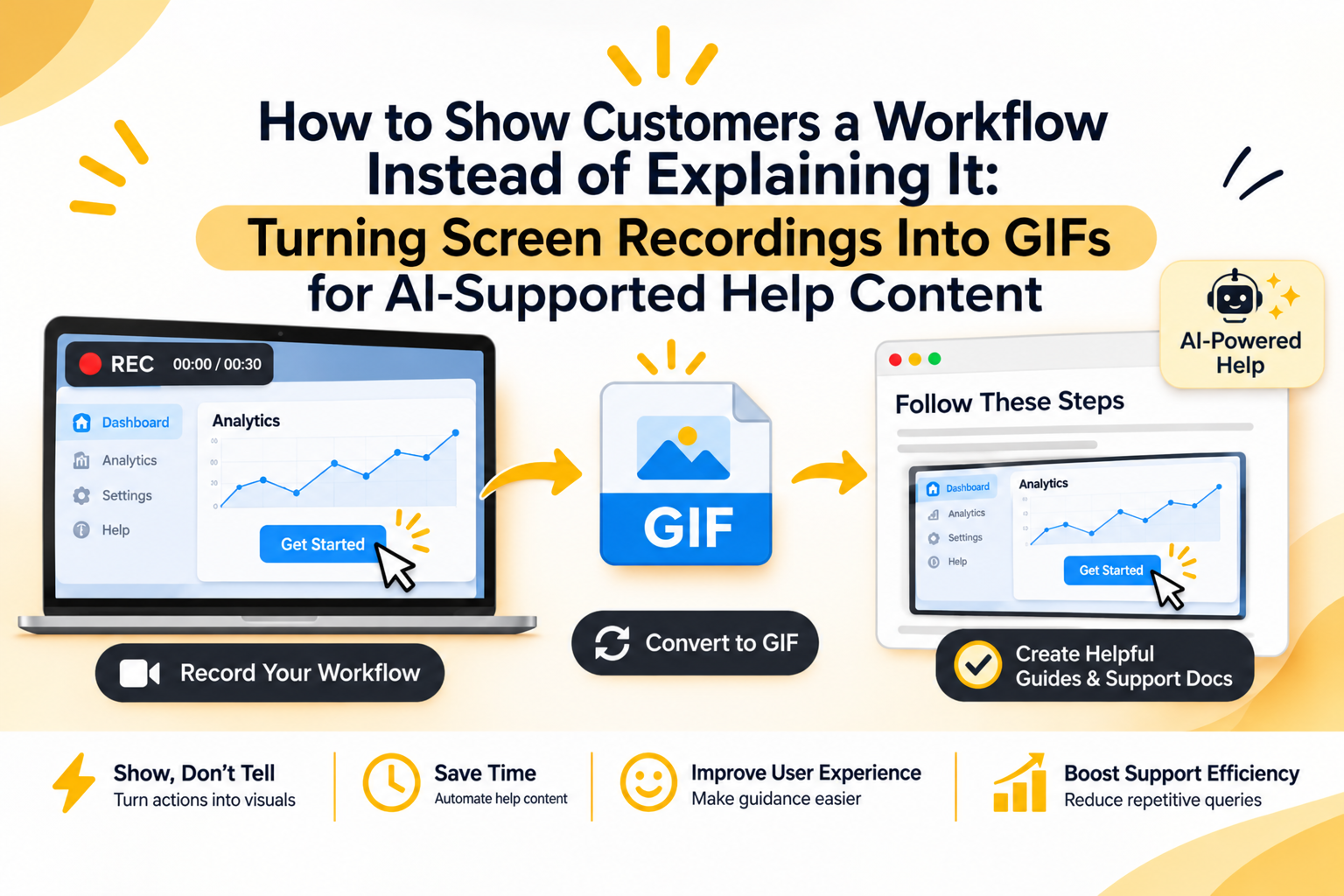
A five-step software instruction can look perfectly clear to the person who wrote it, but leave the customer staring at the screen thinking, “Where is that button?” That, in a nutshell, is the problem with text-only help content. You know what the interface is supposed to look like; the customer doesn’t.
The traditional fix has been static screenshots, but research on instructional media shows that static images often force users to mentally fill in the gaps of how an interface moves. The better solution? A short screen recording; specifically, turning the most useful part of said recording into a GIF that loops through the exact sequence the customer needs to follow.
But with AI now sitting between customers and knowledge bases, there is another reason to think carefully about this. Your help content needs to work for two readers: the person trying to fix something and the AI system trying to retrieve the right answer.
Start With the Workflow
Don’t record everything just because you can. First, identify the customer task.
For example, “How do I export a report?” is a useful workflow. But “What does the reporting dashboard look like?” probably isn’t.
Write down the actions required to complete the task, including the exact names of buttons, menus, and settings. Then perform the workflow once without recording it. You will usually spot unnecessary clicks, confusing screens, or steps that need an explanation.
Now record the clean version. And keep the cursor movement deliberate. Avoid long pauses, unrelated clicks, and the classic screen-recording problem where someone spends eight seconds looking for the button before finally clicking it.
Turn the Recording Into One Helpful Moment
A GIF should demonstrate a specific action or short sequence, not reproduce an entire support video. Mozilla’s guidance is helpful here: use GIFs when a process involves several screenshots or requires users to follow actions in sequence.
So, don’t show five nearly identical screenshots. Instead, show the cursor moving through the actual workflow.
A good support GIF might show:
- Where to open Settings
- Which menu to select
- Which option to enable
- What changes after you save it
Keep the clip short enough that the viewer can understand the loop without waiting around. A GIF is particularly useful when the visual explanation can be understood in a few seconds.
What if the workflow takes 45 seconds? Then, the answer may need a video instead.
Give the GIF a Text-Based Twin
Don’t make the GIF the only place where the instructions exist. Put the actual steps in text alongside it, with the same terminology used in the interface.
Keep in mind, this matters even more when AI supports your help centre.
Visual instructions should have clear text equivalents because AI systems may not be able to use everything shown in an image or video when generating an answer.
There’s a practical division of labor here: The text tells the AI what the workflow means, and the GIF shows the customer what the workflow looks like. And if the interface changes later, you can update both without having to rewrite an enormous tutorial.
Make the Important Action Obvious
A screen recording captures everything on screen. But your GIF doesn’t have to; in fact, it shouldn’t.
You want to crop out irrelevant browser tabs, desktop notifications, and parts of the interface that have nothing to do with the task. If the customer needs to click one particular control, make that control easy to identify.
You can also add a short caption when the action might otherwise be ambiguous. Canva’s GIF tools let you convert videos into GIFs and continue editing the result, including trimming, cropping, and adding subtitles. This free GIF converter also supports common image and video inputs and lets you download, share, or continue editing the converted file.
So the workflow is pretty simple: record the task, cut it down to the useful sequence, then make shareable GIFs using Canva. Next, add those into your help articles, internal documentation, or customer communications.
Design for AI Retrieval When Writing
Your customer may never search your knowledge base directly. They might ask an AI agent a question, and the system retrieves relevant material before producing the answer.
Zendesk, for instance, describes AI agents as using connected knowledge-base content to generate answers, while Intercom now supports AI agents surfacing existing images and GIFs from support content. That makes the surrounding text important.
Don’t write a vague caption such as “Here’s how to do it.” Say what the GIF demonstrates: “This GIF shows how to enable email notifications under Settings > Notifications.”
Use the customer’s likely wording somewhere in the article, too. “How do I turn on email alerts?” may be the question a customer asks, even if your internal feature name is “Notification Preferences.”
In short, the GIF handles the visual part. The text gives the AI enough context to retrieve and explain it.
Know When Not to Use GIFs
A GIF isn’t automatically better than a screenshot. If the customer needs to identify one button, a still image with a clear annotation may be faster. If the task involves several decisions, exceptions, or account-specific conditions, text may need to do most of the work.
It’s best to use animation when movement itself carries information. A menu opening, a cursor moving through settings, or a field changing after an action are good candidates. A static confirmation screen probably isn’t.
There is also a maintenance cost. Mozilla specifically notes that GIFs can create extra work for localization and future updates.
Build a Reusable Visual Help Library
Once you start creating workflow GIFs, don’t treat each one as a one-off asset. Name files according to the task they demonstrate, and keep the original screen recording. Record the product version or date somewhere internally, especially for software that changes frequently.
Then reuse the same visual in the help center, onboarding emails, support replies, and internal agent documentation where it actually fits.
That approach gives you something more valuable than a collection of animated instructions. You get a structured visual layer for your knowledge base, while the written content remains the source of truth that both customers and AI systems can work from.
The goal isn’t to replace good documentation with GIFs. It’s to stop explaining a visual workflow in 200 words when you could show the important part in six seconds.

Senior Content Manager at TrendusAI
Rashida Hanif is a content strategist at Trendusai.com, creating informative articles on artificial intelligence, emerging technologies, and digital solutions. She focuses on delivering valuable insights that help readers understand AI innovations, software development, and technology trends.