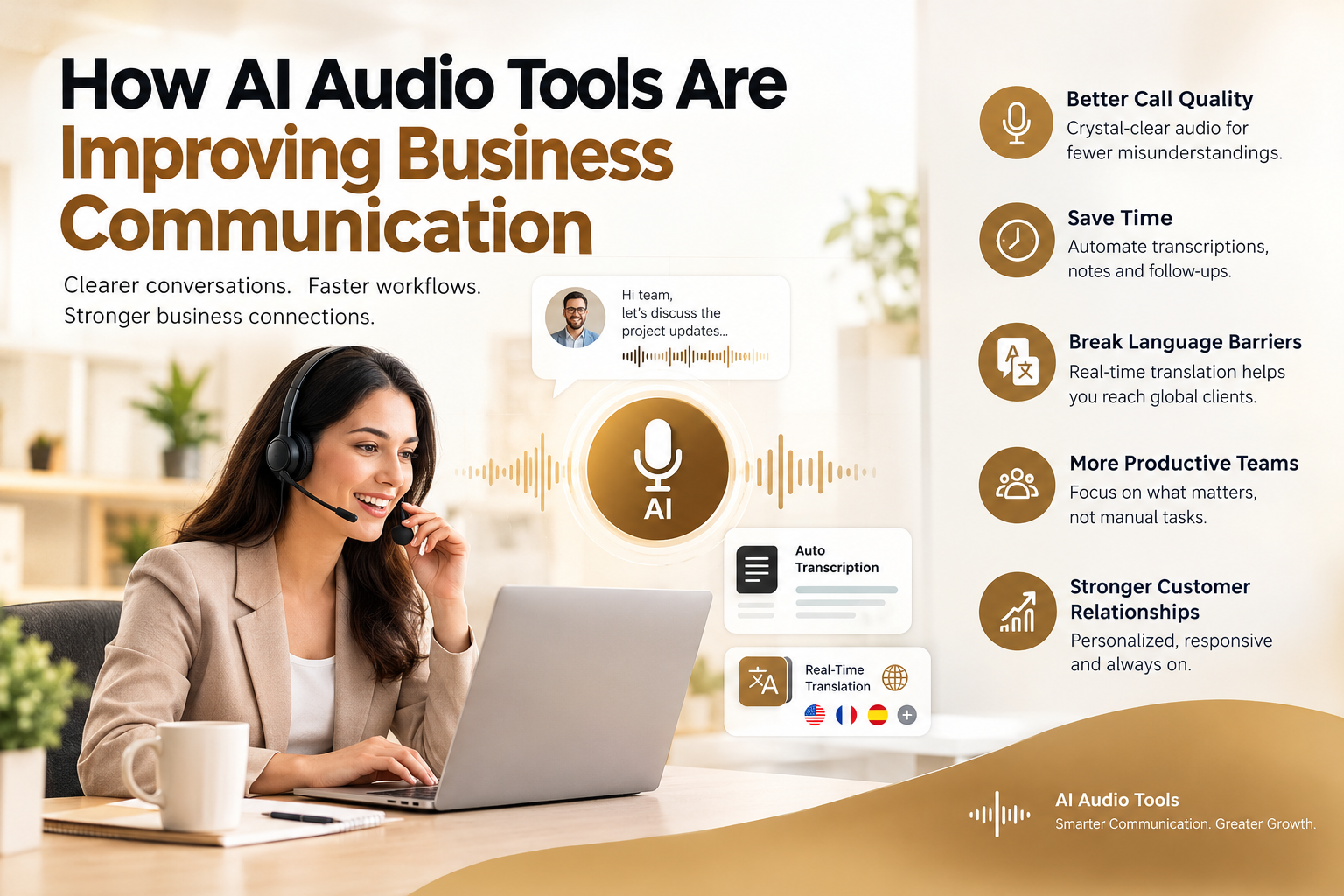
Businesses are finding new ways to use artificial intelligence to communicate with customers, train employees, and share information. While chatbots and automated workflows often receive the most attention, audio technology is also becoming an important part of digital transformation. Companies can now produce voiceovers, convert written information into spoken content, and create audio experiences without relying on traditional recording setups for every project.
These capabilities are useful for marketing teams, online educators, customer support departments, and businesses that need to communicate with audiences across different channels. With the right approach, AI-generated audio can reduce production time while helping companies deliver information in a format that suits their audiences.
Why Audio Is Becoming Part of Business Automation
People consume information in different ways. Some prefer reading a detailed article, while others would rather listen to a summary during a commute or while completing routine tasks. Businesses that provide multiple ways to access information can make their content more convenient for different users.
Creating audio content manually, however, takes time. Recording voiceovers requires suitable equipment, a quiet environment, and editing work. Projects involving several languages or frequent updates can add even more effort to the process.
AI audio tools help address these challenges by turning written scripts into spoken content. Teams can prepare a script, select a suitable voice, generate an audio file, and review the result before publishing it. This approach can make routine audio production easier to manage, especially when businesses need to create content regularly.
Audio automation can also support internal operations. Companies may use spoken summaries for training materials, product explanations, onboarding resources, and internal announcements. Rather than recording every update from scratch, teams can revise the text and generate a new version when information changes.
Practical Uses of AI-Generated Audio
The value of AI audio depends on how well it fits a particular business need. Several applications are worth considering.
Marketing and Promotional Videos
Marketing teams often produce videos for product launches, advertisements, social media, and landing pages. A clear voiceover can explain a product’s benefits and give viewers additional context.
AI-generated narration can help teams prepare these assets more efficiently. For example, an e-commerce company introducing a new product could create a short demonstration video with spoken instructions. If the product details change, the team can update the script and generate a revised voiceover without scheduling another recording session.
A voiceover is only one part of a promotional video. Thumbnails, product backdrops, and social media graphics all affect whether people stop to watch. Teams that need custom visuals without a lengthy design process can use an AI image generator such as VistaCreate to create images from a short text description. These can then be paired with the narration in a video editor. As with audio, the generated visuals should be reviewed for accuracy, brand consistency, and usage rights before publication.
Customer Support and Self-Service Content
Customer support teams answer many of the same questions repeatedly. Written FAQs are useful, but audio explanations can offer another way for customers to understand common processes.
A company could create spoken walkthroughs covering account setup, product configuration, or basic troubleshooting. These resources may be especially helpful for customers who find long written instructions difficult to follow.
AI voice technology can also contribute to automated phone systems and virtual assistants. However, businesses should carefully test these systems to ensure that the spoken responses are accurate, understandable, and appropriate for the situation. Sensitive or complicated requests may still require human assistance.
Employee Training and Learning Materials
Employee training often includes presentations, written guides, and instructional videos. Turning selected training materials into audio can help employees review information while away from their desks.
For instance, a company could convert an onboarding script into a narrated introduction for new employees. A training team could also produce audio versions of routine procedures, making it easier to revisit important instructions when needed.
The source material should be reviewed before conversion. Spoken content needs clear sentences and a logical sequence, particularly when it covers technical processes or workplace policies.
Choosing the Right AI Audio Generator
Selecting a tool requires more than checking whether it can turn text into speech. Businesses should consider the type of content they produce, the audiences they serve, and the quality standards they need to maintain.
An AI audio generator can help content teams convert written scripts into voiceovers for presentations, training resources, videos, and other digital materials. Before choosing a solution, teams should listen to sample outputs and assess whether the voices fit their intended use.
A few practical factors deserve attention:
- Voice quality: The narration should sound clear and natural, with appropriate pacing and pronunciation.
- Language support: Businesses serving international audiences may need multiple languages and suitable regional pronunciations.
- Editing controls: Adjustments to pauses, emphasis, and pronunciation can make a noticeable difference to the final output.
- File compatibility: Exported audio should work with the company’s existing video editors, publishing platforms, or learning systems.
- Privacy and usage rights: Teams should review how uploaded scripts and generated files are handled, along with the applicable licensing terms.
Testing a tool with a real business script is usually more useful than relying only on a short demonstration. A sample containing product names, technical terms, or abbreviations can reveal issues that are easy to miss in a simple sentence. Much of that difference comes from how the underlying voice model was trained, since tools built on diverse, licensed audio datasets for AI training tend to handle accents and unusual terms more reliably.
Integrating Audio AI Into Existing Workflows
AI audio works best when it supports a defined process instead of becoming another disconnected tool. Before introducing a new system, businesses should identify where audio production currently takes the most time.
A marketing team, for example, might begin with product demonstration videos. The team can create a standard script format, generate narration, review the audio, and send the approved file to the video editor. Once this process works consistently, the same approach may be adapted for other content types.
Integration can become more important at a larger scale. An organization that produces hundreds of training videos may need a central content library, consistent file naming, approval stages, and clear version tracking. Automation can connect parts of this process, reducing repetitive work while keeping the final publication under human control.
Businesses should also decide who is responsible for reviewing generated audio. A subject matter expert may need to verify technical accuracy, while a marketing editor checks tone and brand consistency. This review step helps prevent a fluent-sounding voice from making incorrect or misleading information seem trustworthy.
Maintaining Quality and Trust
AI-generated audio can save production time, but speed should not be the only measure of success. Listeners still expect clear information, appropriate delivery, and content that respects their needs.
Scripts should be written for listening rather than copied directly from long documents. Shorter sentences, clear transitions, and carefully explained technical terms generally make spoken content easier to follow. Teams should also check pronunciation, volume levels, pauses, and the overall listening experience before publishing.
Transparency matters as well. Businesses should follow applicable platform rules and legal requirements concerning synthetic voices, consent, and disclosure. They should never imitate a real person’s voice without the necessary authorization.
Privacy deserves similar attention. Internal documents, customer details, and confidential product information should not be uploaded to an audio service without checking its data-handling practices and the organization’s policies.
Finally, teams should gather feedback and monitor results. Useful indicators might include video completion rates, training engagement, customer feedback, or the time required to produce each asset. These measures help determine whether audio automation is improving the experience rather than simply increasing the volume of content.
The Future of AI Audio in Business
As businesses adopt more AI-driven workflows, audio generation can become a practical part of content production and customer communication. It can help teams prepare voiceovers, make learning resources easier to access, and update spoken content when information changes.
The strongest results will come from matching the technology to a real need. Businesses should begin with a clear use case, test output quality, establish review procedures, and expand only when the workflow delivers measurable value.
AI audio does not replace the need for good writing, thoughtful communication, or human judgment. Instead, it gives teams another way to deliver useful information while making recurring production tasks easier to manage.

Senior SEO Content Marketing Manager at Trendusai.com
Rashida Hanif is a Senior SEO Content Marketing Manager, specializing in data-driven content strategy and SEO. She helps brands improve online visibility through keyword research, content planning, and AI-powered marketing insights.