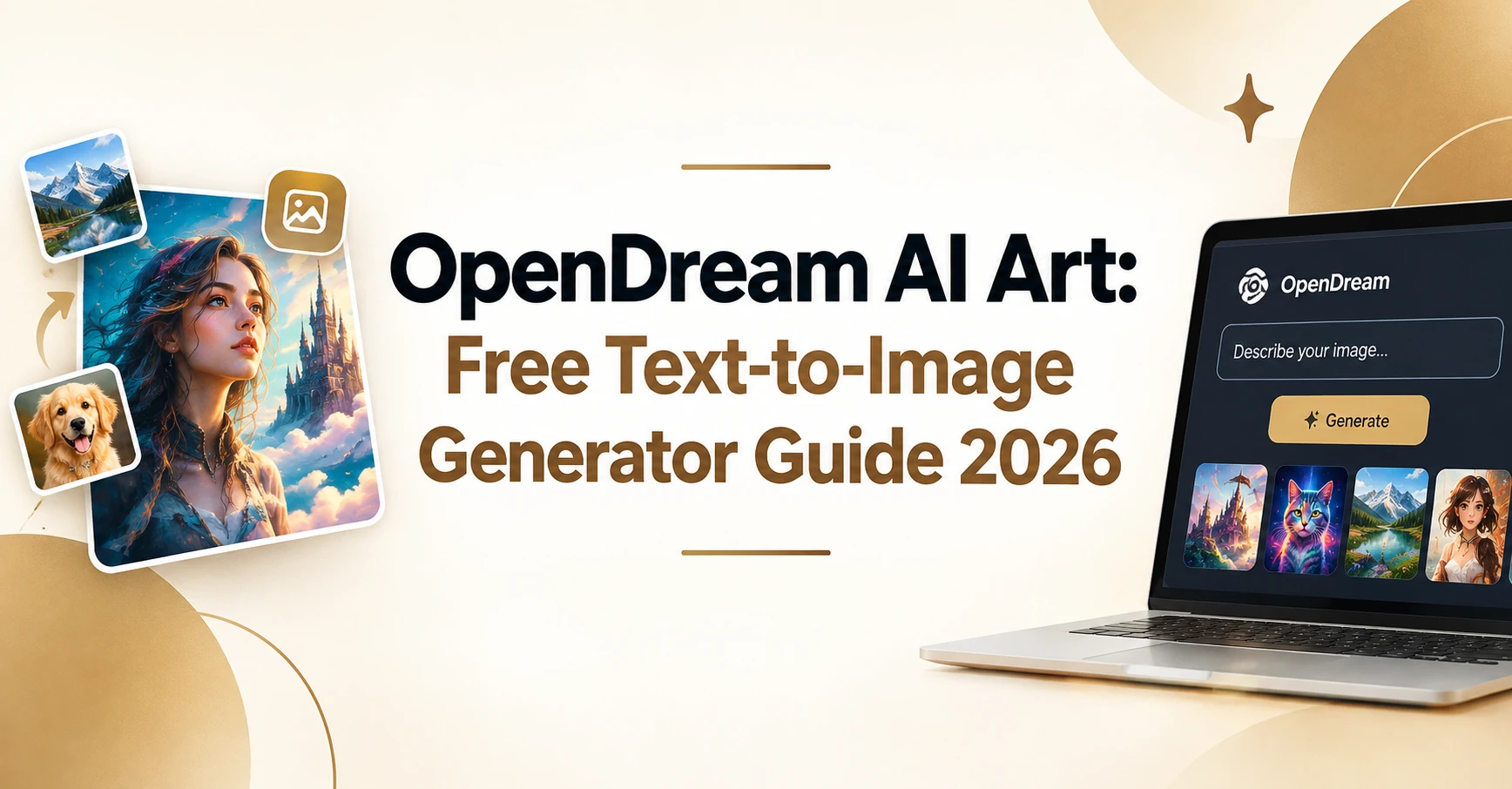
Paid design software adds up fast, and learning it takes time. Many free tools hide their limits until after you sign up. You just want a picture that matches the idea in your head. OpenDream AI Art is a browser-based generator that turns written prompts into AI-generated artwork.
The footer on OpenDream.ai carries a 2023 copyright date, and the free tier gives you daily credits without a paid upgrade.
This guide covers what the tool does, how to use it, what each plan costs, and where it falls short. Figures come from OpenDream’s own pages and named 2026 reviews, so you can check each one before you sign up.
OpenDream AI at a Glance
| Detail | What to know |
| Website | OpenDream.ai |
| Type | Cloud-based creative tool, runs in a browser |
| Started | 2023 (site copyright date) |
| Free plan | 24 credits per day |
| Paid plans | Core at $12 per month, Pro at $24 per month |
| Sign-up | Google or Discord |
| Free trial for paid plans | None |
These details come from OpenDream’s plans page and its guide.
What Is OpenDream AI Art?
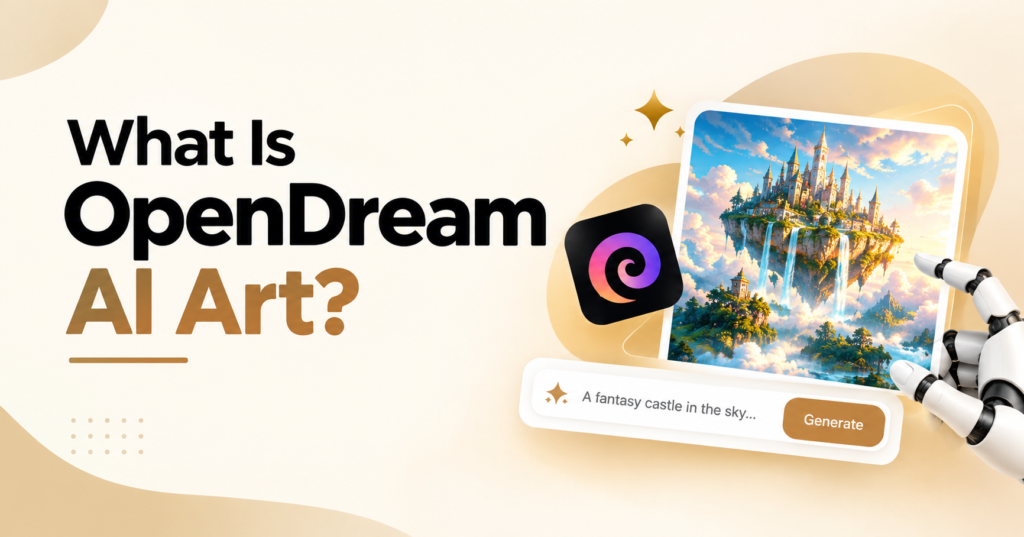
OpenDream AI Art is the name reviewers use for the image tool at OpenDream.ai. The site calls itself an online AI art generator. You describe what you want to see, press a button, and the tool draws it. You install nothing. It’s an online art platform and a creative AI tool that runs in your browser.
The site says it uses Stable Diffusion. One review names Stable Diffusion 2.1 and the Dreamlike model variants. As a Free AI Art Generator, its main draw is price. You can start with zero spending and see if the results fit your taste.
How Text-to-Image Technology Works
Text-to-image conversion starts with your words. The model reads them and builds a picture from random noise. Each step removes some noise and moves the image closer to your prompt. OpenDream’s guide describes this as a denoising process with a set number of sampling steps.
That’s prompt-based image generation in plain terms. More steps can raise quality but take longer, and the guide suggests 25. One 2026 review says a picture comes back in roughly 10 to 30 seconds. The free plan runs at low priority, so expect your jobs to sit behind paid ones.
Art Styles It Supports
Dreamlike Photoreal 2.0 aims at lifelike images. Dreamlike Anime 1.0 covers anime and manga. Stable Diffusion 2.1 is a general model, and Deliberate leans toward experimental art. That range covers realistic art, illustrations, and the Anime Art Style. Reviewers also mention specialized generators for anime, logos, and characters.
The guide’s prompt tips also name oil painting, pixel art, and digital art as mediums to try. You can steer a result toward any of them with a few words.
Key Features of the OpenDream AI Art Generator
The site has a short list of tools. Each one is covered below, with limits noted. Any image generation tool works best when you know its edges.
Text-to-Image Generation
This is the core of any Text to Image Generator and the base of digital art creation. You enter written prompts and get digital artwork back. Prompts work best at around 75 words or fewer, and words near the start carry more weight. You can also add a negative prompt to list what you don’t want. Uploading an existing image lets you create variations of it.
Style and Template Selection
Style and template selection comes first on the create page. A template loads preset settings, so a short subject line is enough. A style is a set of preset prompts and negative prompts that you can edit. One review counts hundreds of templates sorted by use, such as social posts, concept art, banners, and product mockups. Skipping templates is fine. Write a full prompt instead.
Batch Creation and Queue Limits
Batch Creation depends on your plan. On the free plan, you can make one image per creation. The plans page lists one parallel generation and a queue of up to five images. You can line up five jobs, but they run one at a time.
The guide says the image count setting goes up to 32 for premium users. Each image costs 2 credits, so four images cost 8. Some reviews report a cap of four at once on paid plans. Numbers differ by source, so check the create page for your current limit.
Editing and Upscaling Tools
The plans page lists upscaling, variations, and face fixing. One review adds inpainting and background removal. These tools make it a light digital illustration tool. You can make a draft, fix a face, and enlarge the result.
Free Plan and Paid Upgrades
The OpenDream AI free plan is the entry point. Reviewers note that no credit card is required to start. Sign-up runs through Google or Discord. Paid upgrades add credits and, per reviews, more models. The pricing section below has the full numbers.
How to Use OpenDream AI: Step by Step Guide
Learning how to use OpenDream AI takes a few minutes. The steps below follow the site’s own guide.
Step 1: Open OpenDream.ai and Sign Up
Go to opendream.ai in any browser and click “Get Started.” You can continue with Google or Discord. You can’t change your login email later, so pick the account you plan to keep.
Step 2: Select a Template and Style
Pick a template if you want preset settings. Templates are optional. Then check the style. You can add or remove details to shape the look.
Step 3: Write Your Prompt
Type your subject in the prompt box. With a template, a short subject works. Without one, write a complete prompt. Try something like “watercolor fox in a snowy forest, soft morning light, detailed fur.” The tips section below shows how to improve it.
Step 4: Check Settings and Press “Let’s Dream”
Choose a model, an image count, and an aspect ratio, which is the shape of the frame. You can also mark images public or private. The guide suggests leaving guidance scale, steps, and sampler at their defaults. Then click “Let’s dream.” Free accounts get one image per creation, and NSFW prompts aren’t allowed.
Step 5: Save and Share Your Art
Every image you make is stored in your profile with its prompt and settings. You can share it to Facebook, Twitter, or Pinterest. Keep the prompts behind images you like. Reusing them saves credits.
OpenDream Pricing: Free Plan and Paid Plans
OpenDream Pricing is simple, but a few details sit on different pages. OpenDream AI Art costs nothing to start, and the notes below show where the paid tiers begin.
Is OpenDream AI Free?
Yes. The Free plan is listed at $0 a month with 24 credits a day and commercial use. You claim the credits each day. At 2 credits per image, 24 credits pay for 12 single images. That’s math on the site’s own credit rate. There’s no free trial for paid plans, so the Free plan is your test drive.
OpenDream AI Pricing Plans
Here are the current OpenDream AI pricing plans from the official page.
| Plan | Price | Credits | Commercial use listed | Models (per reviews) |
| Free | $0 per month | 24 per day | Yes | 2 of 4 |
| Core | $12 per month | 3,000 per month | Yes | All 4 |
| Pro | $24 per month | 12,000 per month | Not listed | All 4 |
Free users also get low priority generation, one parallel generation, a queue of five images, and limited settings. Reviews report that free accounts use two of the four models, while paid accounts unlock all four. The plans page lists commercial use under Free and Core but not under Pro. Check the terms and conditions before client work.
Credits, Refunds, and Annual Billing
Annual billing carries a 20% discount. On the monthly prices, that works out to about $115 a year for Core and $230 for Pro. That’s simple math, not a figure from the site.
Refunds are available only if you’ve used less than 2% of the plan’s credits. You can’t go over your credit total. When credits run out, the account drops to Free. If you cancel, you keep unused credits until they’re gone.
One catch: the guide’s payments FAQ still shows older prices of $9.90, $19.90, and $189.90 a year. Go by the plans page and check it again before you pay.
OpenDream Reviews: Pros and Cons of OpenDream AI Art
Several 2026 OpenDream Reviews list similar strengths and limits. Here’s a plain summary of what OpenDream AI Art does well and where it stops.
Pros
- Daily free credits, and reviews say no credit card is needed.
- Reviewers call the interface simple for beginners and experienced users.
- No design skill needed. You write a prompt and pick a template.
- Pictures arrive in roughly 10 to 30 seconds.
- Commercial use is listed on the Free plan.
Cons
- Free users get one image per creation, low priority, and limited settings.
- One review says it’s a poor pick for text inside images and precise scenes with several subjects.
- Another review calls it less advanced than premium tools like Midjourney.
- Official pages disagree on prices and batch numbers, as noted above.
- You can’t change your username or login email.
Who Should Use OpenDream AI Art?
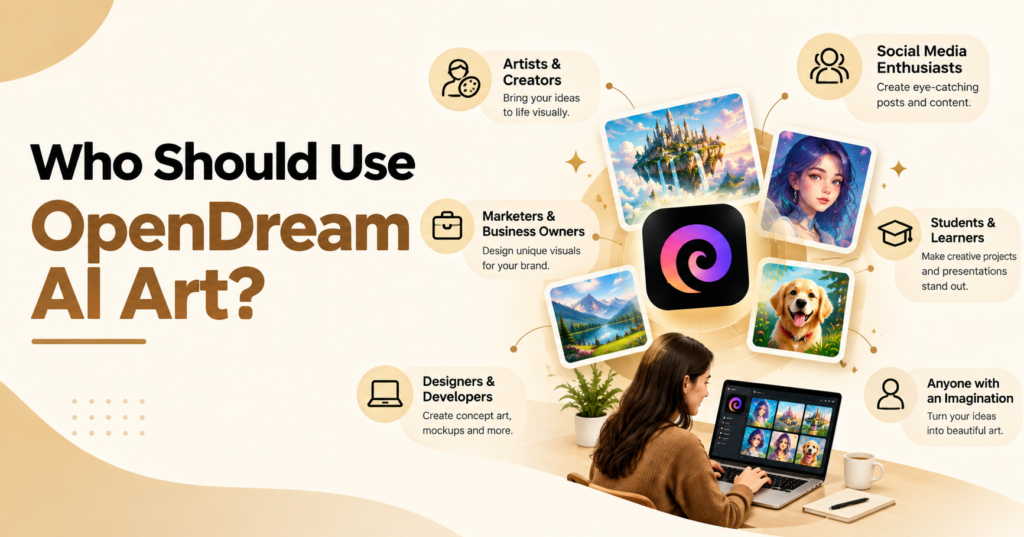
OpenDream AI Art fits some jobs better than others. Match your goal to the groups below.
Beginners and Hobbyists
If you’ve never tried an AI Art Generator Online, start here. Templates handle the setup, and the free plan lets you practice daily. One reviewer says the free tier suits daily practice and adds no watermarks. That makes AI-powered art creation low risk.
Content Creators and Social Media Users
Creators need quick visuals in set sizes. The aspect ratio setting lets you pick the frame for your image. Templates cover social posts and banners. Twelve free images a day covers a few posts. It won’t cover dozens.
Small Business Owners and Logo Design
Small shops can test Logo Design ideas here. The guide suggests a square 512 by 512 size for logos. The plans page lists commercial use on Free and Core.
One caution applies. A 2026 review says the tool is weak when you need lettering inside an image. Use it for symbols and mascots. Add your business name in a separate editor. OpenDream says it doesn’t sell images and isn’t responsible for what users make, so read the terms first. Teams planning wider AI use can read about AI risks in agentic AI news.
OpenDream AI for Anime Art
OpenDream AI for anime art is one of the clearest uses. Dreamlike Anime 1.0 is one of the two models free users can open. The site also runs a separate anime generator page for characters. Try prompts with hair color, outfit, and setting.
OpenDream Alternatives: OpenDream AI vs Other AI Art Generators
Searching for an AI Image Generator Free brings up long lists. A short table helps. Units differ across tools, so don’t compare the numbers directly.
| Tool | Free allowance | Known for |
| OpenDream AI | 24 credits per day | Templates, anime models, simple interface |
| Leonardo AI | 150 tokens per day | Model choice and fine controls |
| Ideogram | 10 credits per week | Text inside images |
| Microsoft Designer | Free with a Microsoft account | Design tools built around image creation |
Leonardo’s 150 daily tokens and Ideogram’s 10 weekly credits come from 2026 reviews. Microsoft Designer needs a Microsoft account. Free allowances change, so check each site and follow AI news today for updates.
OpenDream AI vs Leonardo AI
For OpenDream AI vs Leonardo AI, reviews describe different strengths. One review says Leonardo offers a dashboard of models and fine controls. Reviews describe OpenDream’s interface as simple for beginners. Both give free users a daily allowance, so try each with the same prompt.
Where OpenDream Fits Among Free Tools
There’s no single best free AI art generator for everyone. Every Text-to-Image AI Generator has trade offs. OpenDream AI Art fits when you want a simple browser tool, anime models, and daily credits. Reviews name Ideogram for lettering. Any text to image AI tool free to start will have limits, so read each plan page first.
Tips to Get Better Results with OpenDream AI Art
Write Better Prompts
Start with a plain subject and add details in order. The guide suggests art medium, objects, attributes, expression, lighting, details, and camera shot. Early words weigh more than late ones. Here’s an example: “oil painting of a lighthouse, stormy sea, warm window light, detailed brushwork, wide shot.”
Use negative prompts to remove what you don’t want. If bodies show up doubled, add phrases like two faces or two arms to the negative prompt. Weights use parentheses, like (lighthouse:1.4), to raise focus on a word. Save your best prompts in a file.
Choose Styles and Settings
Pick the model first. Photoreal suits lifelike images, and Anime suits anime. Guidance scale sets how closely the model follows your prompt. The range runs from 1 to 50, and 7 balances your words with some creative freedom. Steps are the passes the model makes, and the guide suggests 25. Keep both at those values until you know what to change. Change one setting at a time so you can see what did what.
Size matters too. The guide uses 576 by 768 for portraits, 512 by 512 for logos, and 768 by 576 for wide shots. It advises at least 512 pixels on one side to limit odd duplicates. A sampler is the method the model uses to move from noise to a finished image. Euler A works at low step counts, but results can shift a lot from one count to the next.
FAQs
What is OpenDream AI Art used for?
It creates images from written prompts. Common uses include anime characters, illustrations, realistic images, logo ideas, and social graphics. Reviews also point to freelancers and small businesses.
Can I use OpenDream AI Art images for business work?
The plans page lists commercial use under Free and Core but not Pro. One review says commercial use is allowed. Read the current terms and conditions before client work.
Do I need a credit card to start?
Reviews say no credit card is required. You sign up with Google or Discord.
How many images can I make per day on the free plan?
You get 24 credits per day. At 2 credits per image, that’s 12 single images. The Free plan allows one parallel generation and a queue of five.
Can I try a paid plan for free?
No. OpenDream doesn’t offer a free trial. The Free plan is the way to test it.
How do I cancel or get a refund?
Canceling keeps your unused credits until they run out. Refunds apply only if you’ve used less than 2% of the plan’s credits.
Conclusion: Is OpenDream AI Art Worth Trying?
OpenDream AI Art suits people who want to try AI-generated artwork without paying first. The free tier gives 24 daily credits, templates handle the setup, and free users can open an anime model. Paid plans start at $12 a month.
The weak spots are clear. Free users get one image at a time. Text inside images is unreliable. Reviews place the tool behind premium options for advanced work. Pages and guides don’t always agree, so confirm numbers on OpenDream.ai before you pay.
OpenDream AI Art works best for beginners, hobbyists, creators, and small businesses testing logo ideas. Try it in one session. Sign in, claim your credits, and run three prompts in different styles. You’ll see quickly whether the results fit your work.

Senior SEO Content Marketing Manager at Trendusai.com
Rashida Hanif is a Senior SEO Content Marketing Manager, specializing in data-driven content strategy and SEO. She helps brands improve online visibility through keyword research, content planning, and AI-powered marketing insights.