
Three years ago, producing a single 60-second marketing video took an average of 13 days and cost upward of $4,500 per minute of finished content. In 2026, the same video takes 27 minutes and costs under $400. That collapse in time and cost is not a projection. It is the documented reality of what AI video generator tools have done to production economics.
The global AI video generator market reached $946 million in 2026, growing at a compound annual growth rate of 20.3%, with text-to-video generation alone accounting for 46.25% of total market activity. Seventy-eight percent of marketing teams now incorporate AI-generated video into their campaigns, and 91% of all businesses use video as a marketing tool. The question facing most content teams is no longer whether to use AI video tools, but which one to use and why.
This guide covers the ten best AI video generators in 2026, ranked by real-world output quality, feature depth, pricing structure, and practical fit across different production workflows. Tools were evaluated across text-to-video generation, image-to-video animation, AI avatar video, free AI video capabilities, and professional cinematic production.
What Is an AI Video Generator?
An AI video generator is software that converts text prompts, images, scripts, or reference media into video content using artificial intelligence. The underlying technology includes diffusion transformers, generative adversarial networks (GANs), and large multimodal models trained on vast datasets of video, audio, and text. Businesses building or customizing this kind of technology in-house often turn to dedicated generative AI development services to fine-tune models on their own data rather than relying solely on off-the-shelf platforms.
In 2026, the category covers several distinct workflows:
Text-to-video generation converts written descriptions, scripts, or prompts directly into video clips. You describe a scene, the lighting, the camera movement, the action, and the model renders it. This is the core capability of tools like Google Veo 3.1, Kling 3.0, and Sora 2 Pro.
Image-to-video animation takes a static image and animates it into a moving clip. This is useful for product photography, character animation, and visual consistency across scenes where you need a fixed visual starting point.
AI avatar video creates a digital spokesperson from a short video sample, then generates unlimited talking-head content in multiple languages. HeyGen 3.0 and Synthesia 2.0 are the leading platforms in this space.
Multi-reference video generation accepts multiple input files simultaneously, including a character image, a product shot, a background scene, and an audio file, and blends them into a single cohesive clip. This is where tools like Seedance 2.0 and OpenArt separate themselves from commercial production.
Understanding which workflow applies to your content determines which tool you actually need.
What Makes the Best AI Video Generator?
Not every AI video tool is built for the same purpose, and the ranking factors shift depending on your use case. That said, five criteria apply across all production contexts in 2026.
Output quality and prompt adherence. Does the model produce video that looks filmed rather than generated? And does it follow a detailed written brief accurately? These two factors — visual realism and prompt fidelity- are the clearest indicators of model maturity. Tools like Veo 3.1 and Seedance 2.0 score highest on both.
Native audio generation. In 2025, nearly every AI video tool produced silent clips. By 2026, the strongest models will generate synchronized dialogue, ambient sound, and music in a single unified pass. If your content requires audio, and most commercial content does, a tool without native audio generation means extra post-production steps that multiply across volume.
Reference input control. Can you lock in a character’s face, a product’s visual identity, or a branded environment across multiple clips? For brands running campaigns with visual consistency requirements, this capability is not optional. It is the feature that separates production tools from experimentation platforms.
Credit structure and cost per generation. Over 124 million people now use AI video platforms monthly. At that scale, credit limits matter as much as output quality. A tool that delivers exceptional results but exhausts its monthly allocation by week two does not support a real production schedule.
Free-tier usability. Most leading platforms offer a free AI video generator tier or free daily credits. These are genuinely useful for evaluating a tool with real project work before committing to a paid plan.
The 10 Best AI Video Generator tools in 2026
1. OpenArt — Best Overall AI Video Generator for Creators and Brands
OpenArt began as an AI image generation platform and has expanded into one of the most comprehensive AI creative suites available. Its core advantage over every single-model competitor is access to more than 100 premium AI video and image models — Kling 3.0, Veo 3.1, Seedance 2.0, Wan, Hailuo, and more — from a single dashboard under a single credit system.
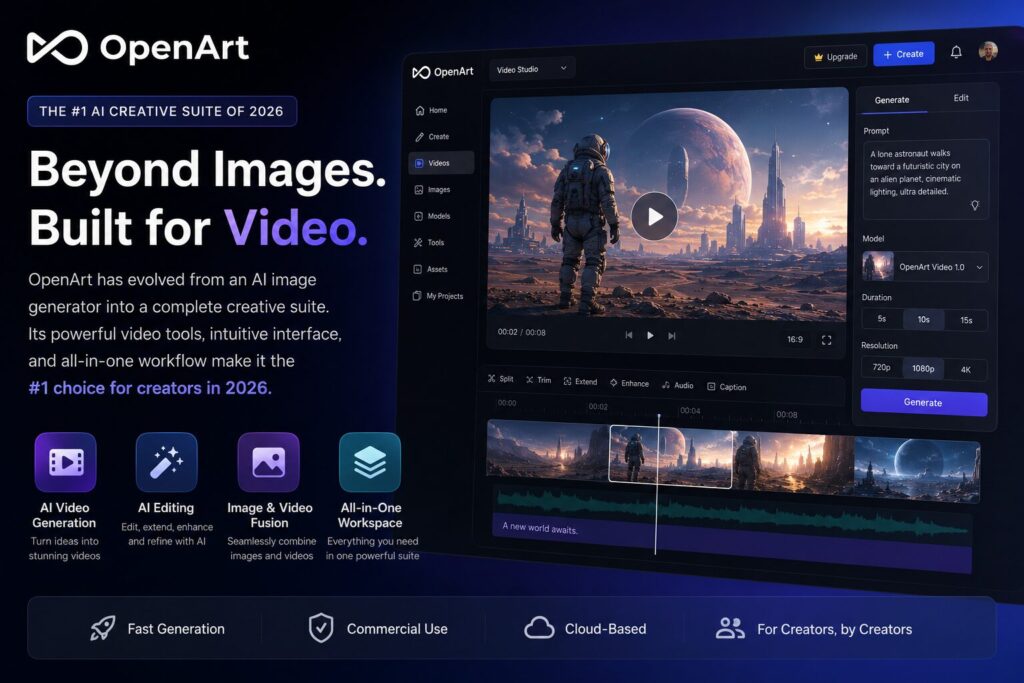
For content creators and marketing teams who would otherwise manage multiple subscriptions and learn multiple interfaces, this consolidation solves a real operational problem. You can run identical prompts through three different models, compare outputs side by side, and choose the best result without switching platforms or depleting credits across separate accounts.
Text-to-video generation on OpenArt gives you access to multiple top-tier models simultaneously. Rather than being locked into one engine’s interpretation of a scene, you can test how Kling handles motion versus how Veo handles lighting for the same prompt.
Multi-reference video generation is OpenArt’s most commercially significant feature. You upload a character, a background, and a product separately, and the platform blends all three into one cohesive clip. For e-commerce brands and advertising teams working with existing visual assets, this removes the barrier of generating everything from scratch.
Motion Sync transfers movement from a reference video onto a custom AI character, enabling branded avatar animation without a motion capture setup or specialized equipment.
Lip Sync pairs a character image with an audio file and generates a synchronized speaking video. This is the core of any AI avatar video workflow and is available directly within the OpenArt environment.
One-Click Story converts a single sentence or full script into a structured one-minute video with auto-generated scenes, transitions, music, and voiceover. For social media content teams producing daily output, this feature alone can replace significant manual production work.
OpenArt Spaces is a node-based canvas for building repeatable creative workflows. Teams producing consistent content at high volume can build, save, and reuse full production pipelines rather than rebuilding settings from scratch with each new project.
Credits on paid plans remain valid for a full year with no monthly resets, which is a meaningful structural advantage for creators who produce content in project bursts rather than daily. Paid plans start from $4.85/month on annual billing. A free AI video tier is available with 40 trial credits for seven days.
Best for: Content creators, social media marketers, e-commerce brands, advertising teams, and anyone producing regular video content who wants broad model access without managing multiple tools.
Pricing: Free tier available (40 credits, 7 days). Paid plans from $4.85/month on annual billing.
2. Google Veo 3.1 — Best AI Video Generator for Visual Realism
Google Veo 3.1 is the current benchmark for raw output quality in AI video generation. Released in January 2026 and developed by Google DeepMind, the model produces native 4K resolution video with lighting behavior, motion physics, and depth of field that read as filmed content rather than AI-generated material. Its prompt adherence is among the tightest of any model available.
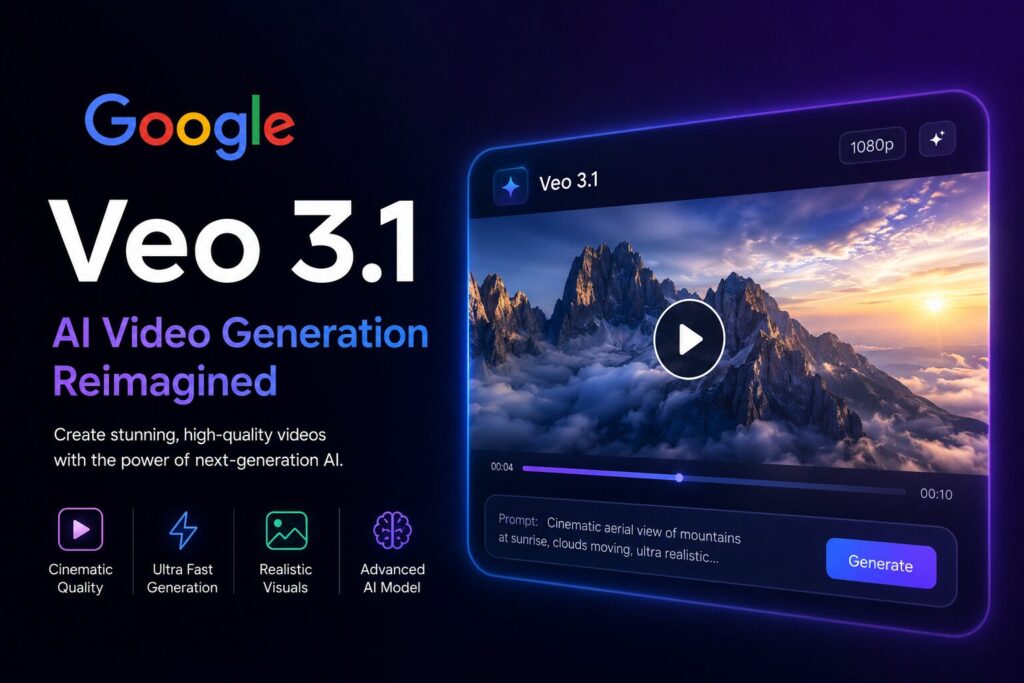
The most significant capability added in 3.1 is native audio generation. Music, ambient sound, and synchronized dialogue are now produced alongside the video in a single generation pass. This eliminates post-production audio sourcing and sync work, which previously added hours to professional workflows.
Veo 3.1 is integrated with Google tools, including Gemini and Google Vids, and is accessed primarily through Google’s Flow platform. Flow supports multi-format exports and integrations with Google Drive, YouTube, and other standard tools in a professional content stack. The platform also supports scene selection and content curation tools for teams managing short-form video production at scale.
The trade-off is the learning curve. Google Flow rewards precision prompting and prior knowledge of cinematography concepts, camera angles, lighting setups and depth of field. Creators who know exactly what they want will consistently extract strong results. Those who prefer to explore loosely will find more forgiving starting points elsewhere on this list.
Best for: Filmmakers, high-end brand content producers, marketing teams that prioritize visual realism and need native audio in a single generation pass.
Pricing: Available through Google One AI Premium at $19.99/month. Enterprise pricing via Vertex AI.
3. Kling 3.0 — Best AI Video Generator for Motion and Physical Dynamics
Kling 3.0 by Kuaishou has built its entire reputation on one specific and measurable capability: physically convincing motion. Human movement, athletics, fluid dynamics, expressive gesture, and complex environmental interaction — Kling handles these better than any competing model at its price point. The underlying mechanism is a Spatial-Temporal Attention architecture that simulates gravity, fluid behavior, and inertia at the frame level, not just the surface level.
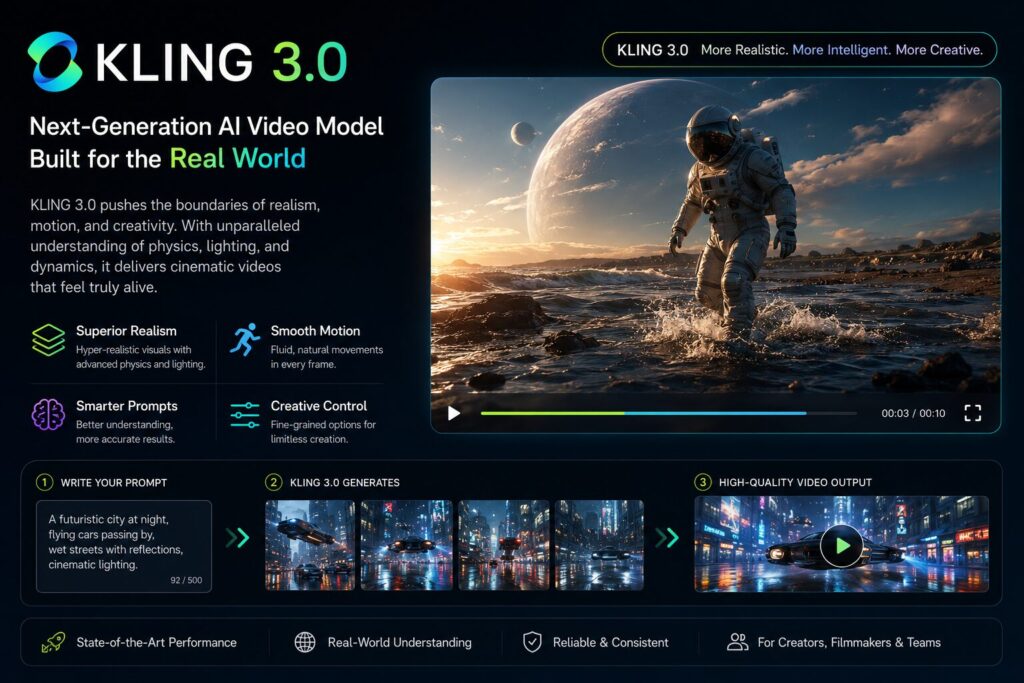
The commercial validation behind Kling is substantial and documented. By December 2025, Kuaishou reported $240 million in annualized revenue, 60 million global creators, and 600 million videos generated within 19 months of launch. These numbers reflect real adoption at production scale, not demo traffic.
The 3.0 update introduced native voice-controlled audio and significant improvements to camera control, including multi-shot sequences with subject consistency across different camera angles. At $0.07 per second of generated video, it is also one of the most cost-efficient cinematic-quality tools available, roughly 65% cheaper per second than Sora’s previous pricing and 44% cheaper than Runway at comparable quality tiers.
For structured, movement-driven, action-oriented content, Kling delivers consistently. For abstract, heavily stylized, or experimental visual concepts, other models on this list are better suited.
The free AI video tier on Kling offers 66 daily credits, resetting every 24 hours, with output capped at 720p. No credit card is required to access the free tier.
Best for: Action content, sports brands, dance and movement sequences, product motion demos, creators who need physically accurate human and environmental motion.
Pricing: Free tier with 66 daily credits. Paid subscription plans available at kling.ai.
4. Seedance 2.0 — Best AI Video Generator for Commercial Campaigns
Seedance 2.0 is ByteDance’s flagship AI video generation model, launched on February 12, 2026, in China and made globally available on April 15, 2026. It earned an ELO score of 1,271 on the Artificial Analysis Video Arena leaderboard at launch, ranking second globally and placing it ahead of Kling 3.0, Veo 3, and Runway Gen-4.5 across benchmark testing at the time of release.
The model is built on a dual-branch diffusion transformer architecture that generates video and native audio simultaneously in a single unified pass. Unlike models that generate visuals and audio as separate steps, Seedance 2.0 produces motion, camera movement, and synchronized sound in one generation cycle, which reduces workflow steps significantly at high volume.
The commercial production capability is what distinguishes Seedance 2.0 from most competitors. It accepts up to 12 mixed reference inputs simultaneously, text prompts, images, video clips, and audio files, and produces clips up to 15 seconds at 1080p resolution. For brands maintaining visual consistency across a campaign, this level of input control is not available at this quality level in any other widely accessible model.
Seedance 2.0 is best accessed through third-party platforms including OpenArt, PixVerse, and Higgsfield, which add production layers, campaign management, ad variant generation, and export pipelines that the raw API alone does not provide. Direct API access is available at $0.10 per second of generated video, which adds up significantly at production volume. Platform subscriptions through partners offer more predictable costs for regular commercial use. Free daily credits for initial testing are available through ByteDance’s Dreamina platform.
Best for: Brand marketing, product advertising, e-commerce campaigns, businesses requiring consistent character identity and visual branding across multiple video assets.
Pricing: Access through third-party platforms; pricing varies. Free daily credits available on Dreamina.
5. Runway Gen-4.5 — Best AI Video Generator for Cinematic Filmmaking
Runway has positioned itself as the filmmaker’s AI tool since its early versions, and Gen-4.5 continues that focus without compromise. Camera movement control is its clearest technical differentiator: dolly shots, rack focus, crane movements, and complex multi-shot sequences all behave with the intentionality that professional cinematographers expect from a production-grade tool.
Character consistency across scenes is the second area where Runway Gen-4.5 performs at a high level. For narrative video content, including short films, branded story series and episodic social campaigns, it maintains visual continuity across cuts more reliably than most alternatives. The keyframe feature, which lets you define a start frame and an end frame for the AI to interpolate between, provides creative control that goes well beyond prompt-based generation. Runway also supports AI training on custom visual styles, enabling brand consistency or a unique aesthetic look across all output.
The trade-offs are documented and real. Runway discontinued its Unlimited plan in 2025, and premium features now sit behind strict credit caps at higher-tier subscriptions. The learning curve is steeper than that of consumer-facing platforms. The pricing reflects the professional positioning rather than the entry-level market.
At the time of writing, Runway holds an estimated $300 million in revenue and a $5.3 billion valuation, making it one of the best-funded dedicated AI video companies in the space.
Best for: Filmmakers, narrative content creators, brand video directors, advanced users who need granular camera and character control.
Pricing: Standard from $15/month. Pro from $35/month.
6. Pika 2.2 — Best AI Video Generator for Social Media and Visual Style
Pika occupies a specific and well-defined position in the AI video landscape: fast, stylized content optimized for social platform performance. Its Pikaffects feature applies creative visual transformations to existing footage, producing distinctive output that would require hours of work in After Effects or comparable software. For social media advertisers testing creative hooks and scroll-stopping visuals, this is where Pika earns its place in a serious content workflow.
Short-form AI videos under 60 seconds generate 2.7 times more engagement than static content on major social platforms. Pika is built explicitly for this format, and the tool’s speed and ease of use mean that testing multiple creative directions within a single session is practical rather than theoretical.
The free AI video tier on Pika offers daily credit resets with enough capacity for three to five short clips per day. No video editing background is required to get usable output within the first session.
Best for: Social media content, Instagram Reels, TikTok, creative visual experiments, brand identity videos, beginners entering AI video production.
Pricing: Free tier available with daily credits. Paid plans from $8/month.
7. HeyGen 3.0 — Best AI Avatar Video Generator
HeyGen has built the most refined AI avatar video capability available in 2026. Create a digital avatar from a short video sample of any person, and the platform generates unlimited spokesperson videos in multiple languages without requiring the subject to appear on camera again. The lip-sync quality and natural movement are consistently convincing enough for professional brand content, e-learning production, sales enablement videos, and even content created with an AI movie trailer generator.
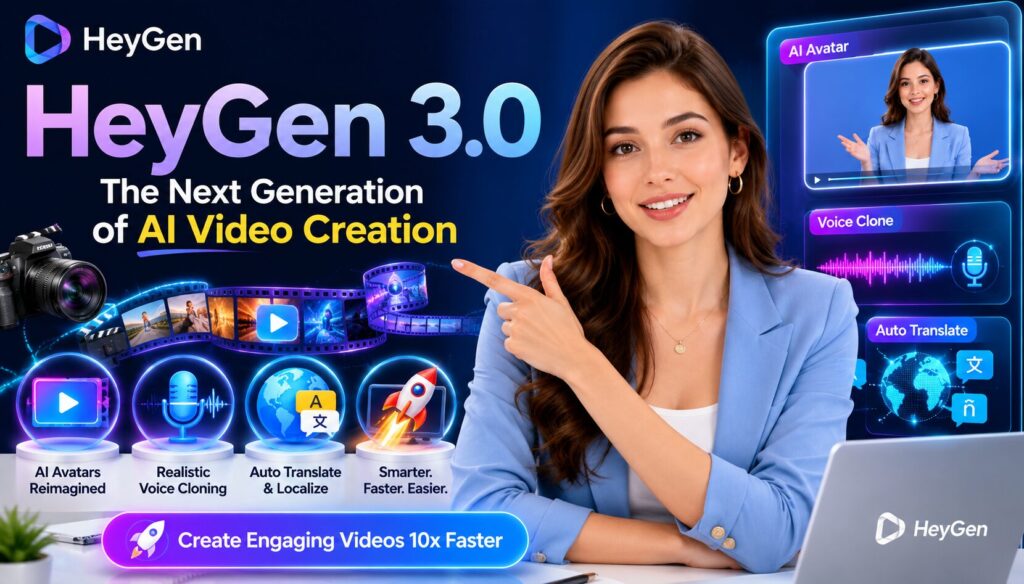
The 2026 update added real-time translation with synchronized lip movement across 40 languages. For global brands running localized campaigns, this eliminates the most time-consuming step in international content production: recording separate takes in each target language with separate speakers, studios, and schedules. One original recording becomes 40 localized versions with synchronized lip movement in each.
HeyGen is frequently searched as the best AI spokesperson video generator, best AI video tool for business communication, and a powerful AI movie trailer generator, reflecting its versatility across marketing, storytelling, training, and global content creation.
Best for: Business explainers, corporate e-learning, multilingual campaigns, product walkthroughs, sales enablement video, any workflow requiring consistent on-camera presence without live recording.
Pricing: Free tier available. Creator plan from $24/month.
8. Synthesia 2.0 — Best Enterprise AI Video Generator
Synthesia 2.0 is built for large organizations that need to produce high volumes of video content without a dedicated production team. The 2026 version makes the enterprise positioning clear: a substantial AI avatar library, a branded template system, multi-language text-to-speech support, and workflow integration with enterprise software stacks including Microsoft Teams, Slack, and standard LMS platforms.
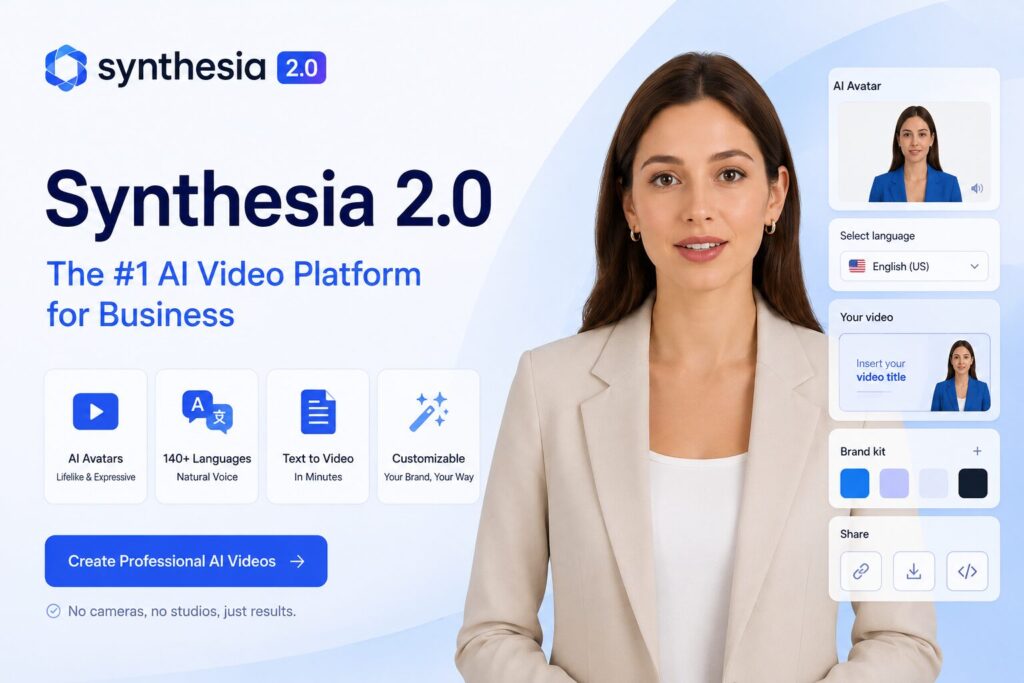
The output does not compete with cinematic AI tools in visual artistry. It competes on reliability, consistency, and the practical ability to produce dozens of structured training videos per week without specialist knowledge at each step. For companies that previously outsourced all video production to agencies, Synthesia offers a complete internal alternative at a fraction of the cost.
Synthesia holds a dominant market position as the most frequently searched AI avatar video generator for corporate and educational use.
Best for: Corporate training, HR onboarding, internal communications, compliance video, enterprise-scale video production where reliability matters more than cinematic quality.
Pricing: Starter from $18/month. Enterprise pricing available on request.
9. PixVerse 5.5 — Best Free AI Video Generator for High Volume
PixVerse 5.5 delivers output quality that consistently exceeds what competing budget tools can manage. Camera movement tools, including pan, zoom, orbit, and dolly, are available at resolutions and speeds that similarly priced alternatives cannot match. For budget-conscious creators and small businesses testing AI video production before committing to premium tool costs, PixVerse offers the best entry point in the market.
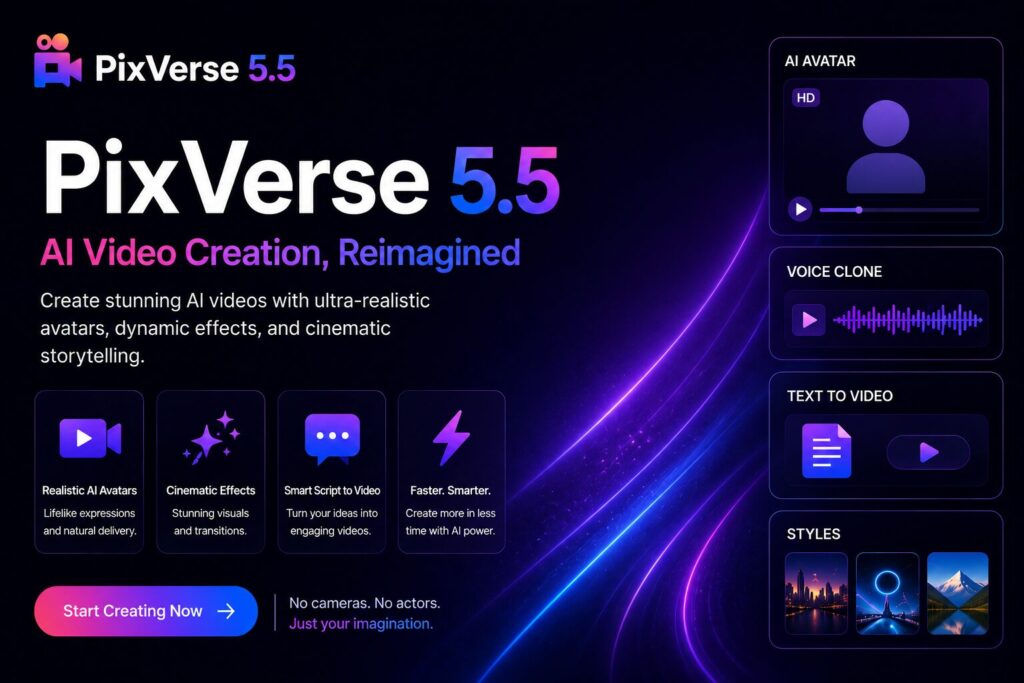
The 2026 update introduced built-in audio sync that generates sound effects timed precisely to on-screen action, addressing one of the most persistent weaknesses in affordable AI video generation tools. The free plan includes daily login credits, which provide regular access without requiring a paid commitment.
PixVerse also hosts Seedance 2.0 as an available model, giving users access to one of the strongest commercial video models, the same model powering enterprise campaigns on premium platforms, without paying direct API rates.
Best for: High-volume social content, budget-conscious creators, marketing teams testing AI video workflows before committing to premium platforms.
Pricing: Free tier available with daily credits. Paid plans from $8/month.
10. Sora 2 Pro — Best AI Video Generator for Long-Form Narrative Content
OpenAI’s Sora 2 Pro is the current benchmark for long-form AI video. Where most tools optimize for individual short clips of 5 to 15 seconds, Sora’s architecture is designed for narrative continuity across extended sequences. Characters maintain consistent appearance across cuts, environments follow physical rules reliably across scene changes, and coherence holds across multi-minute runtimes in a way that no competing model currently matches.
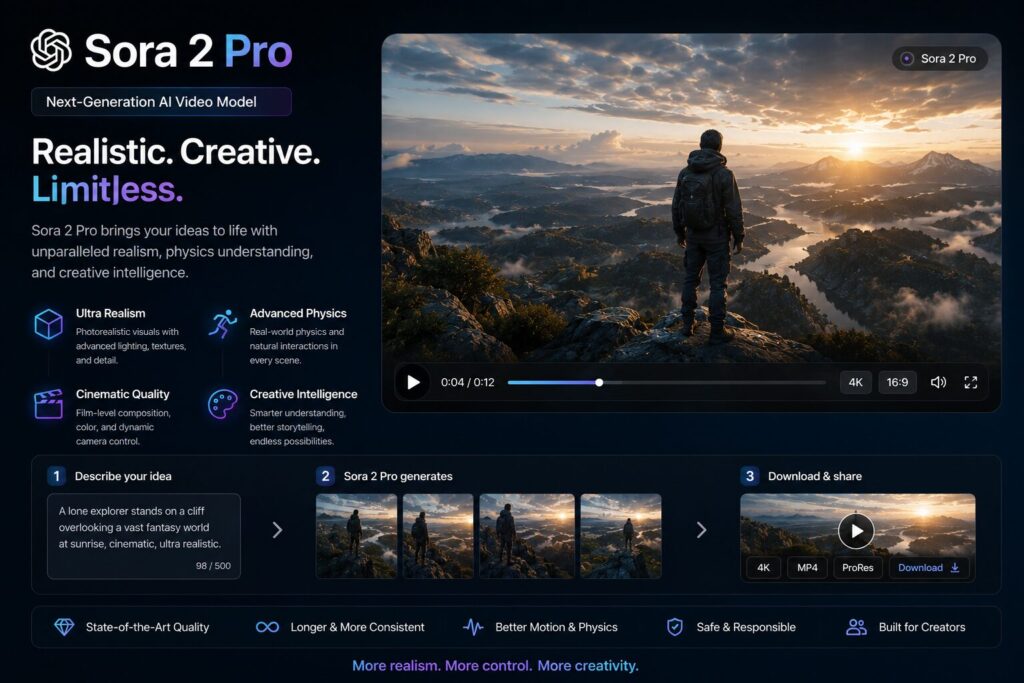
The platform is designed for user-generated video content and social media sharing, with simplified workflows that make complex narrative generation accessible without deep technical knowledge of AI prompting. Sora also integrates with standard creative tools and supports multi-format exports for direct publishing.
Access is currently restricted to ChatGPT Pro subscribers, which limits its reach considerably relative to standalone platforms. For creators building serialized content, documentary-style video, or any format requiring sustained narrative consistency and character continuity over time, Sora 2 Pro remains the most capable tool available.
Best for: Long-form narrative video, documentary-style content, episodic creators, storytelling formats that require multi-minute continuity.
Pricing: Available with ChatGPT Pro subscription at $20/month.
AI Video Generator Comparison Table
| Tool | Primary Use Case | Text-to-Video | Image-to-Video | Native Audio | Free Tier | Starting Price |
| OpenArt | Multi-model creative suite | Yes (100+ models) | Yes | Yes (via models) | Yes (40 credits, 7 days) | $4.85/month |
| Google Veo 3.1 | Cinematic realism | Yes (4K) | Yes | Yes | No | $19.99/month |
| Kling 3.0 | Motion and dynamics | Yes | Yes | Yes | Yes (66 daily credits) | Free tier available |
| Seedance 2.0 | Commercial campaigns | Yes | Yes (12 ref inputs) | Yes | Yes (via Dreamina) | Platform pricing varies |
| Runway Gen-4.5 | Narrative filmmaking | Yes | Yes (keyframe) | No (separate) | No | $15/month |
| Pika 2.2 | Stylized social content | Yes | Yes (Pikaffects) | Limited | Yes (daily credits) | $8/month |
| HeyGen 3.0 | AI avatar spokesperson | Yes (avatar) | Yes | Yes (40 languages) | Yes | $24/month |
| Synthesia 2.0 | Enterprise training video | Yes (avatar) | No | Yes (TTS) | No | $18/month |
| PixVerse 5.5 | Budget high-volume | Yes | Yes | Yes | Yes (daily credits) | $8/month |
| Sora 2 Pro | Long-form narrative | Yes | Yes | Yes | No | $20/month (ChatGPT Pro) |
How to Choose the Right AI Video Generator for Your Workflow
With ten strong options available, the selection comes down to matching the tool to the actual work rather than choosing based on brand recognition or feature count alone.
If you produce social media content daily, you need a tool with generous free credits, fast generation, and a low learning curve. Pika 2.2 and PixVerse 5.5 are the strongest options in this category. Kling 3.0’s free tier of 66 daily credits also makes it a practical choice for regular social production.
If you run brand campaigns with strict visual consistency requirements, Seedance 2.0’s multi-reference input system is the most capable solution available. Its ability to lock in multiple visual elements simultaneously across a campaign of dozens of clips has no direct equivalent.
If you need an AI avatar video for business communication or e-learning, HeyGen 3.0 leads on spokesperson quality and multilingual capability. Synthesia 2.0 is the stronger choice if the production environment is enterprise-scale and the output is primarily structured training content.
If cinematic quality is the priority above all else, Google Veo 3.1 produces the most visually convincing output. Runway Gen-4.5 offers the most granular control over how that cinematic output is constructed.
If you want access to multiple models without managing multiple tools, OpenArt’s consolidated dashboard with 100-plus models under one credit system is the practical choice. The annual credit structure also suits creators who produce in project bursts rather than on fixed monthly schedules. Teams weighing this kind of build-versus-buy decision for their broader AI stack often start with an AI consulting engagement to map out where off-the-shelf tools end and custom development should begin.
If your content requires multi-minute narrative continuity, Sora 2 Pro is the only model that currently delivers this at a production-ready level.
The Bottom Line
The AI video generation market has matured to the point where every tool on this list produces usable, professional-quality output. The differentiation in 2026 is not between tools that work and tools that do not. It is between tools optimized for specific workflows, formats, and production scales.
For most creators and businesses starting, OpenArt provides the most practical entry point: the widest model access, the most flexible credit structure, and enough production depth to grow as video output requirements scale. For pure visual realism, Veo 3.1 leads. For motion accuracy, Kling 3.0 remains unmatched. For commercial campaigns with strict consistency requirements, Seedance 2.0 is the strongest model available. For long-form storytelling, Sora 2 Pro has no current equal.And if your team is also keeping an eye on adjacent capabilities, it’s worth browsing what AI tools for developers in 2026 currently offer, since many of these video platforms now plug directly into developer workflows through APIs.
Start with the free tiers. Test with real projects from your actual content calendar, not demonstration prompts. The ceiling of a free tier tells you more than any feature comparison table. Upgrade when the ceiling becomes visible.
If your business wants to go beyond off-the-shelf AI video tools and build custom AI-powered content workflows, automation, or generative pipelines tailored to your own data, TrendUsAI can help you plan and build it end to end.

Senior SEO Content Marketing Manager at Trendusai.com
Rashida Hanif is a Senior SEO Content Marketing Manager, specializing in data-driven content strategy and SEO. She helps brands improve online visibility through keyword research, content planning, and AI-powered marketing insights.